Can anyone please tell me if there is a stack that will do a before and after effect like the attached example?

Go to madeforstacks and use the search field

@andrew Would putting a link to made for stacks in the forum sidebar be helpful?
@multithemes
Perfect just purchased. Is there anyway of placing a caption over the images for before and after like in my example?
perfect!
I just suggested the resource site, you should ask to stack developer
Their send button on the contact form isn’t working so I can’t see how to contact them
This one is very nice: 2 View | Shaking the Habitual
3 Likes
@wolf Thanks Matthias that looks even better - such a shame Stuart is shutting up shop I loved his stuff.
I hadn’t seen that there were other options, so much the better!
I have just purchased your before and after stack and wondered if there is anyway of placing a caption over the images for before and after like in my attached example?
and 60% off as he’s closing up.
Hello @Pixelart ,
I could swear that I responded this question to you in another thread, in which @Jannis had marked as solved… but either way… here it is again:
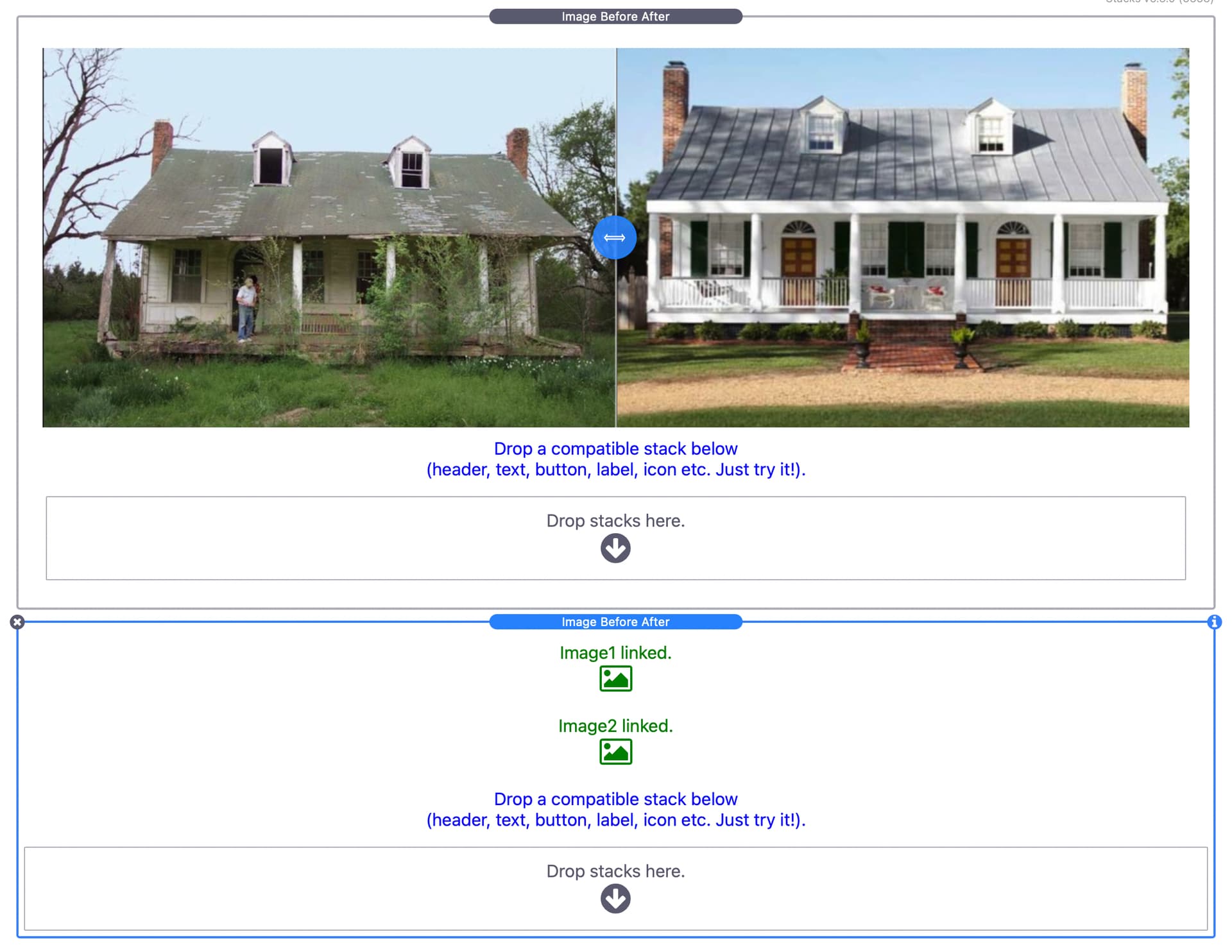
You can drop any stacks into these area, and they will overlay the images. You could use a header stack or text or anything else. You can drop stacks from any of the frameworks too, such as Foundation6, UIKit3, Source etc.
I hope this helps.
Ricardo.
1 Like
2 View by @habitualshaker is my favourite, it works beautifully.
Thanks for that @Ricardo but it doesn’t allow separate captions for both the before and after images.
Actually, it does!
Look at the demo that comes with the package. The dropzones overlay either the left or right image. That is why those dropzones are there.
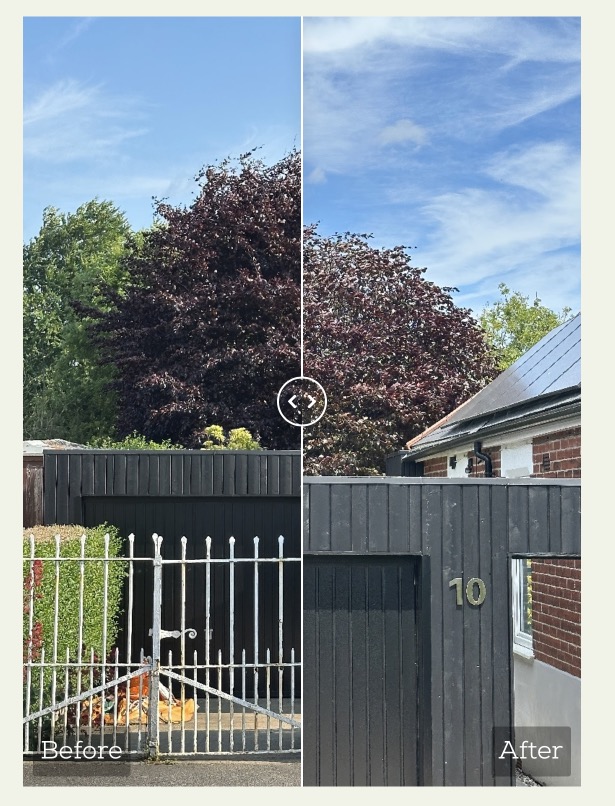
Maybe we aren’t referring to the same thing, as I see a caption “Before” on the left and “After “ on the right image.
Also keep in mind that you can drop all kinds of stacks into the dropzone.