I have used ImageOptim for that purpose for about 15 years. It’s been the best app in its class, hands down. Unfortunately, looks like it is not developed anymore. The developer did not reply to my enquiry.
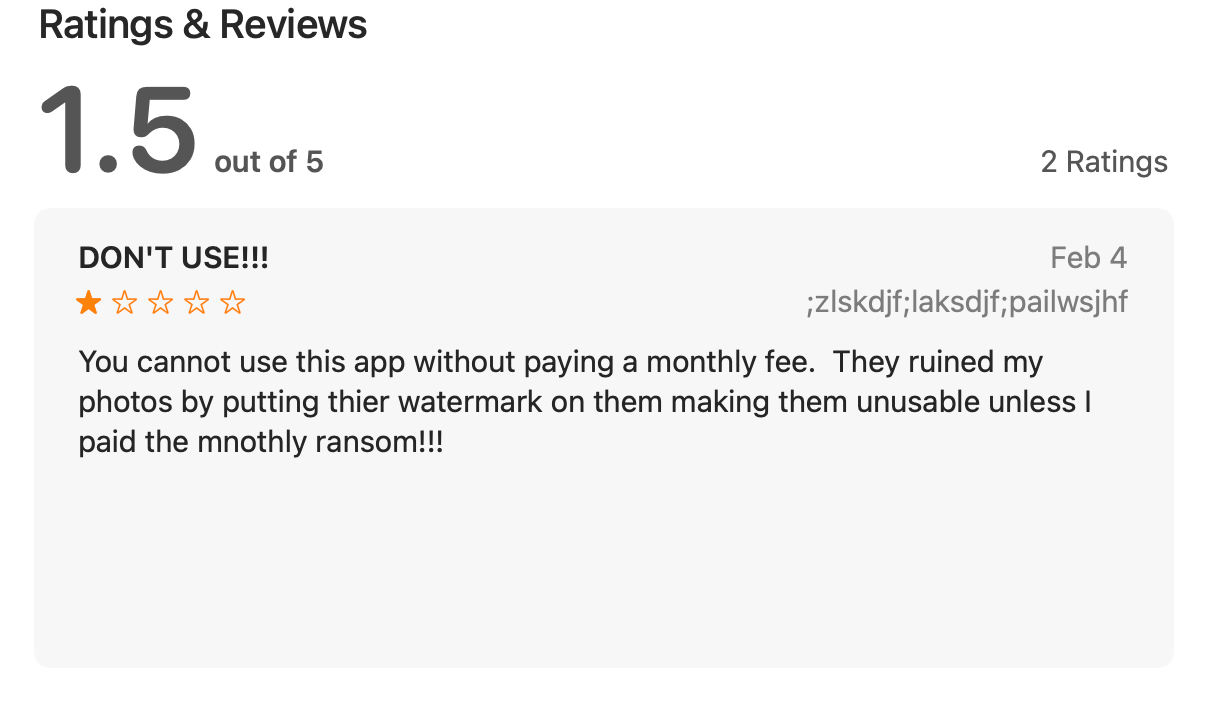
I hope you, guys, can recommend a substitute that works natively on modern Macs? Just don’t mention RMS Squash. I have this app and it needs Rosetta to function (you should see the solitary comment on Apple Store)…🥺
@habitualshaker – Hi, Stuart, do you have Squoosh? I’ve seen your post about it some time ago (do not mistake it for Squash). Are you satisfied with it? Does it work with PNG and GIF formats as well as JPG?
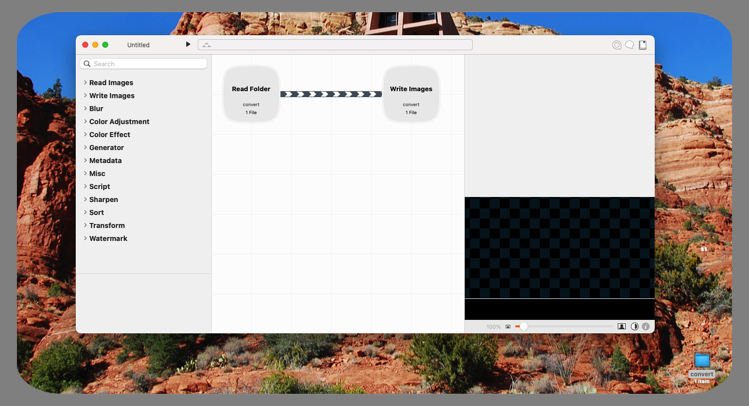
Like @paul.rowe I use Retrobatch (Pro). Very solid and great. The most flexible solution.
For one-off images (e.g. 1-2 screenshots I want to optimize) I typically do use Squoosh and/or TinyPNG as it’s just quicker (not sure they are “better” than Retrobatch).
I also use Retrobatch Pro. I keep a folder on my desktop titled ‘convert’ - and when I need to run a process (Images to Webp; scale and/or crop, etc. I …
I do have Retrobatch Pro. Few months back, I have compared and analyzed results from Retrobatch to results from ImageOptim regarding quality and size. In both respects, ImageOptim came out on top. However, Retrobatch will remain as one of possible candidates for me. And it runs natively on my new Mac.
I will definitely give a try to Squoosh and Optimage. As I always do, I will have to run comparison tests and then choose a winner. 🤓
This is my go to app for compressing images. It does a really good job and it’s free!! Only knock is that it won’t compress webp images, I use pixelmator pro for that.
I recently grew tired of the error codes generated by the SVG optimization website I usually use, so I found this nifty little utility on the App Store. It was quite affordable too. It does an excellent job compressing various image formats and even allows you to convert and compress images into a different format than the original.
I have purchased Squash on February 19, 2017. Since then, there were updates that Apple sent me notifications about and I have updated the app all the way to v.2.0.4.
When I was there a couple of days ago, the only version available was the one I just mentioned above (before today the blue button said “OPEN”, referring to v.2 installed on my computer – no mention of v.3). Now, all of a sudden, Squash 3.0.2 is available. So, who is lying – Apple or RML?
Anyway, I installed v.3 and indeed, the app opens on my new Mac without suggesting that I install Rosetta. I will give it a try. I hope the comment at AppStore no longer applies to v.3. We’ll see…