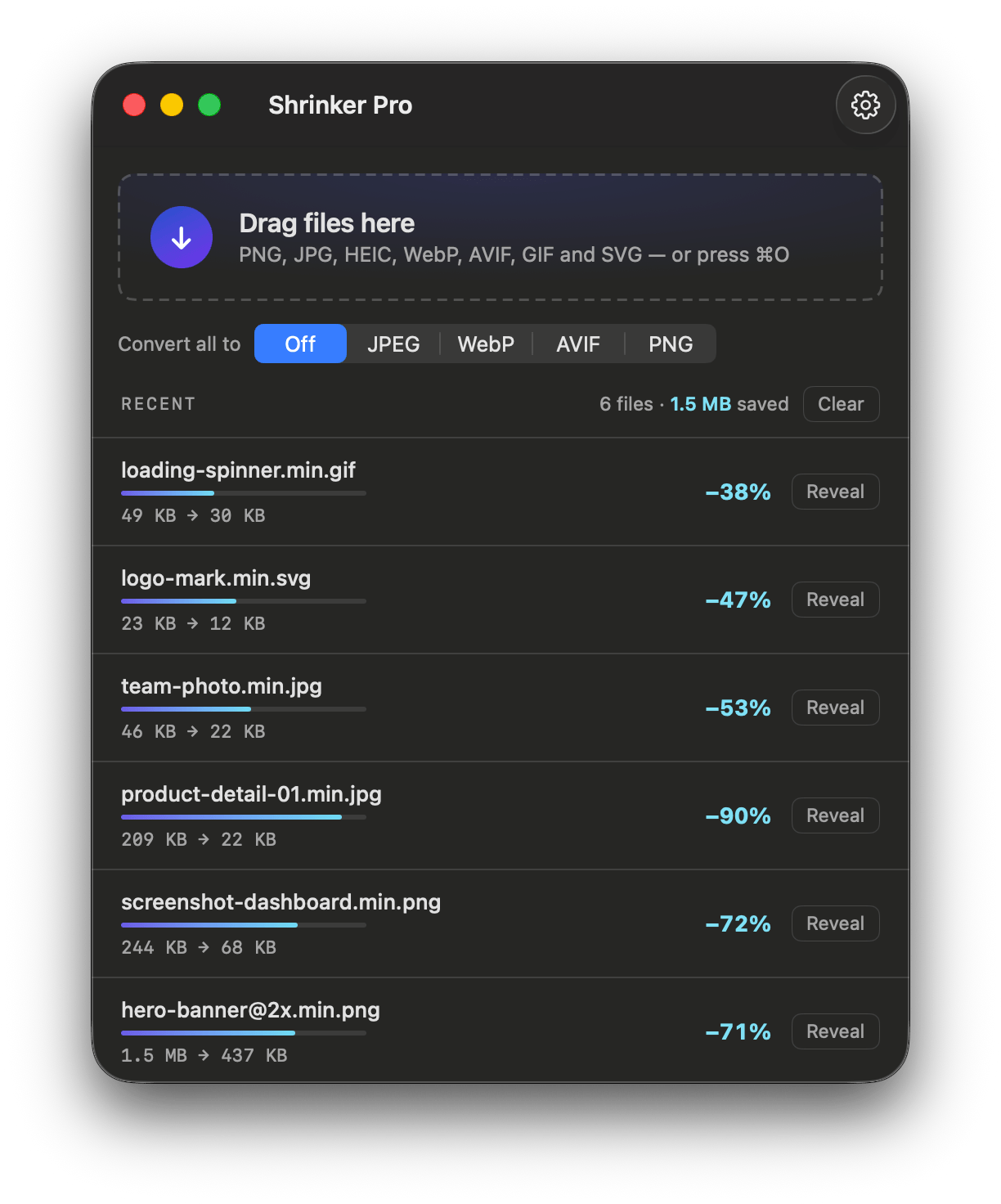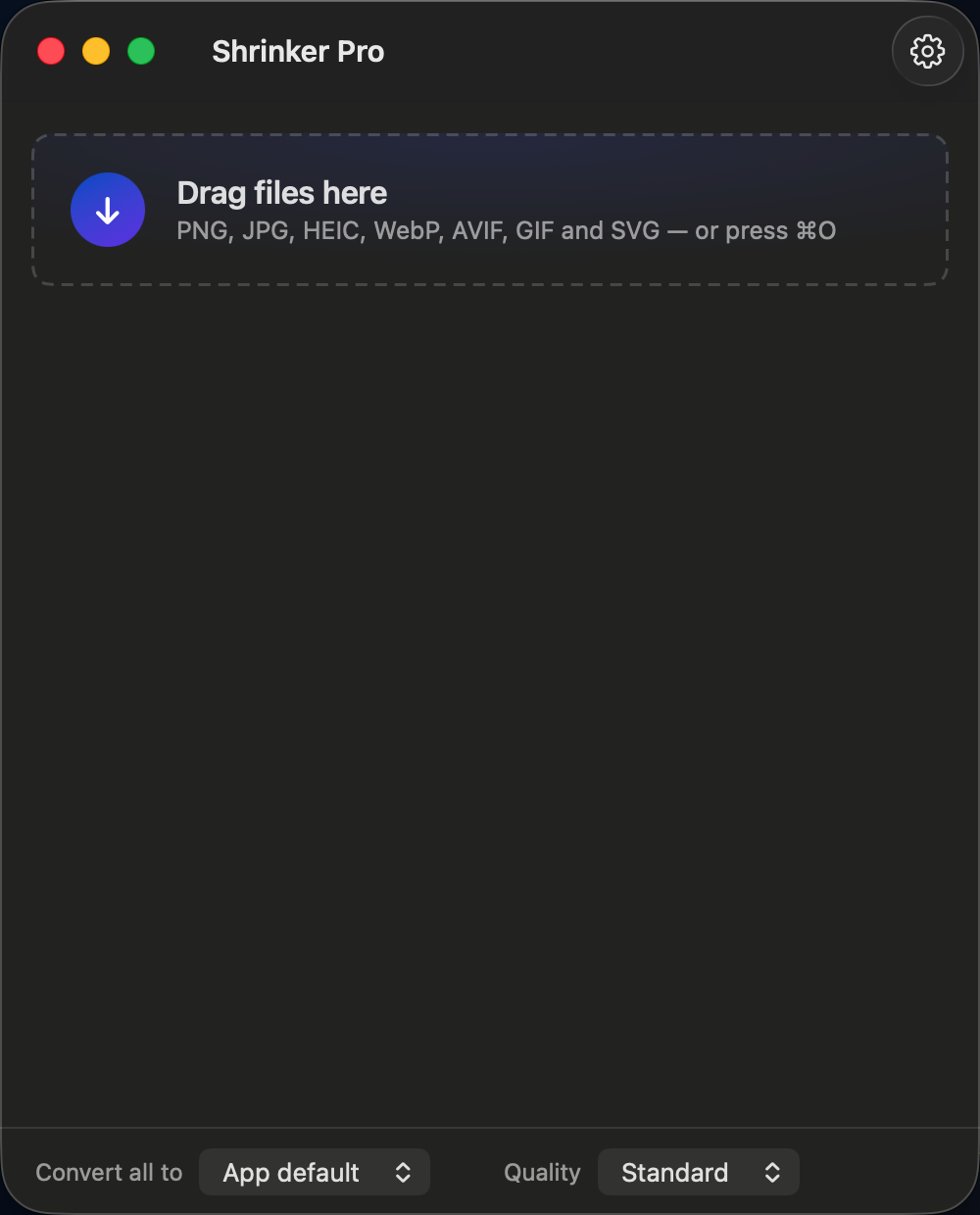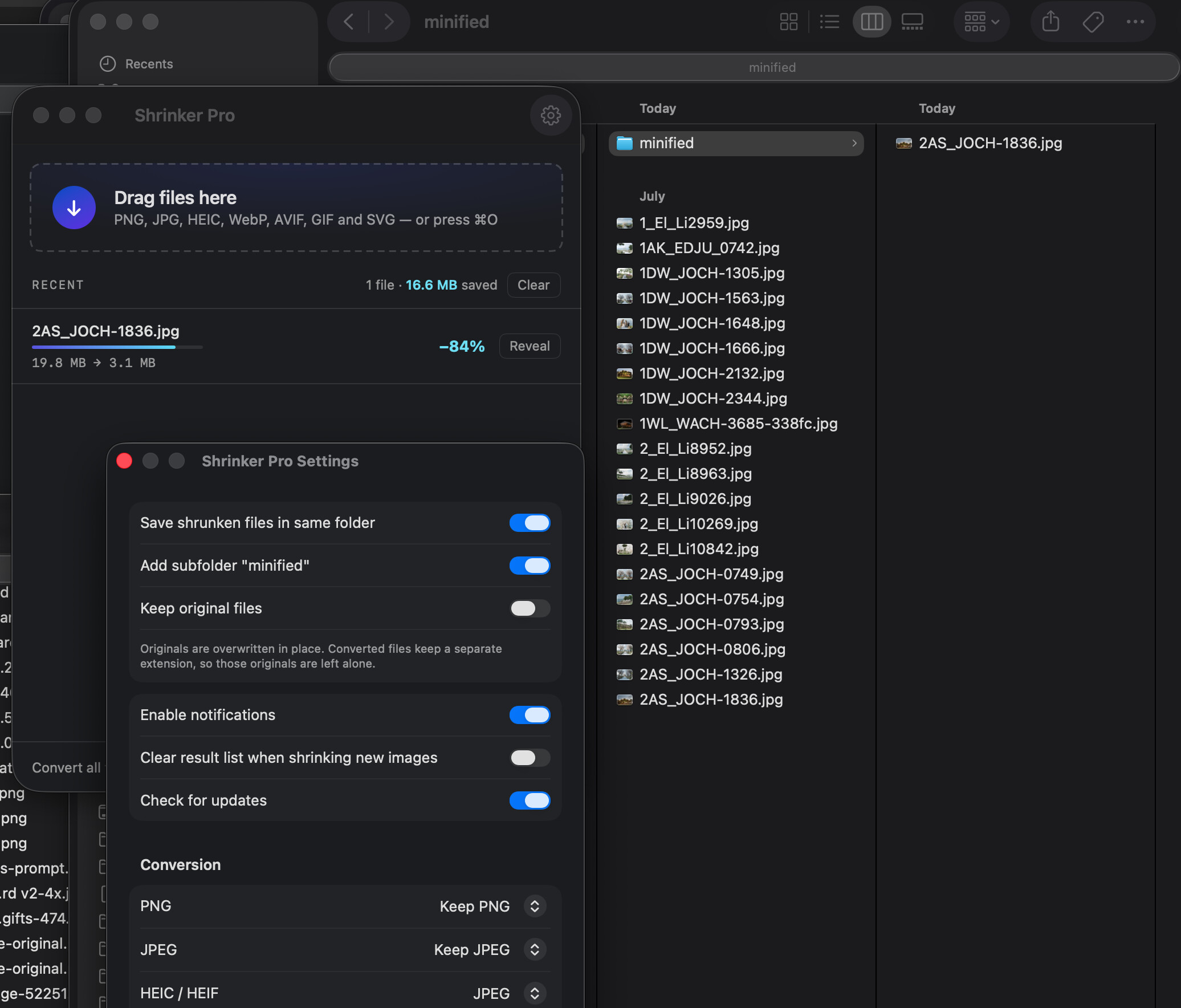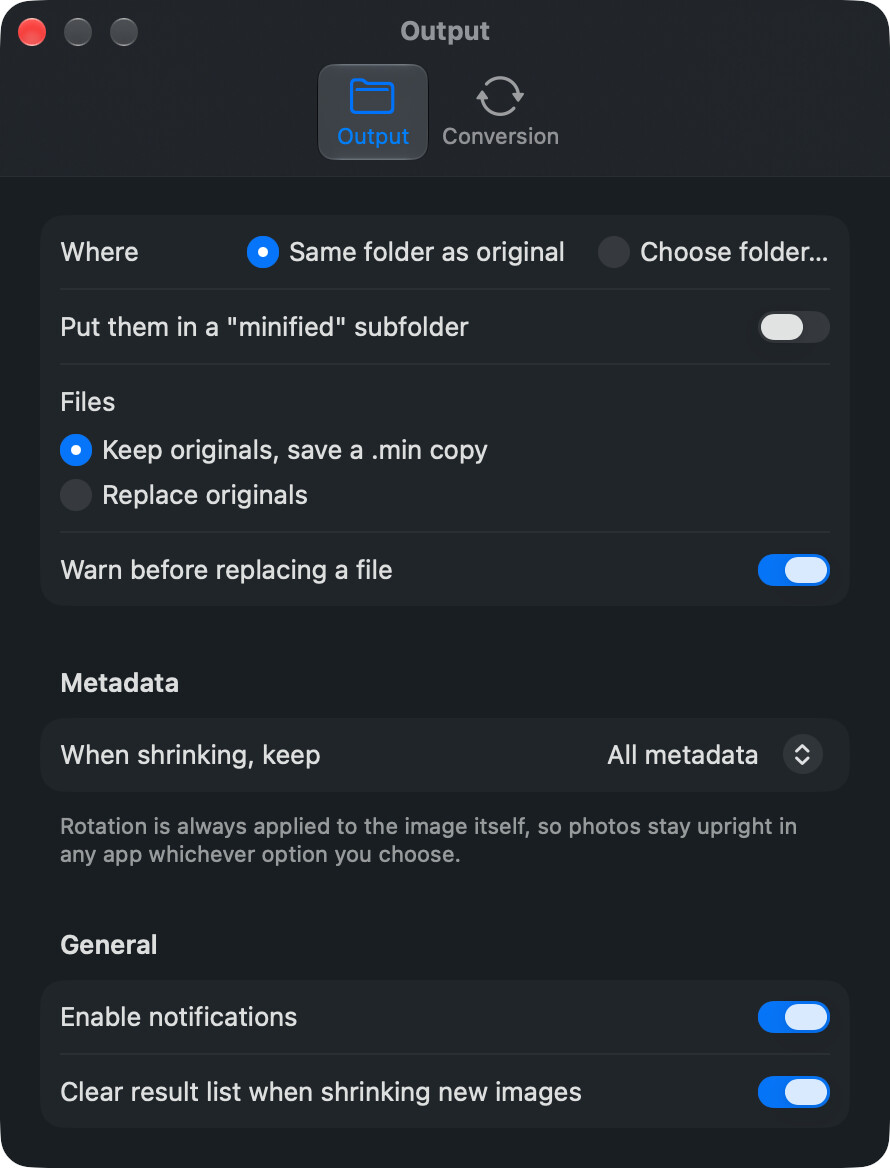
I’ve used Image Shrinker by Stefan Schulz-Lauterbach for years. Drag images onto a window, get smaller files beside them. It’s one of those tools that does exactly one thing and then gets out of the way.
The problem is that it’s an Electron app whose compression binaries are x86_64-only. On Apple Silicon they run through Rosetta 2, and fail outright on a Mac that doesn’t have it. Apple ended Intel support with macOS 26 Tahoe, and Rosetta is on a published sunset path: full availability through 26 and 27, then narrowing to a limited subset for old game frameworks. So the tool I rely on has a deadline on it.
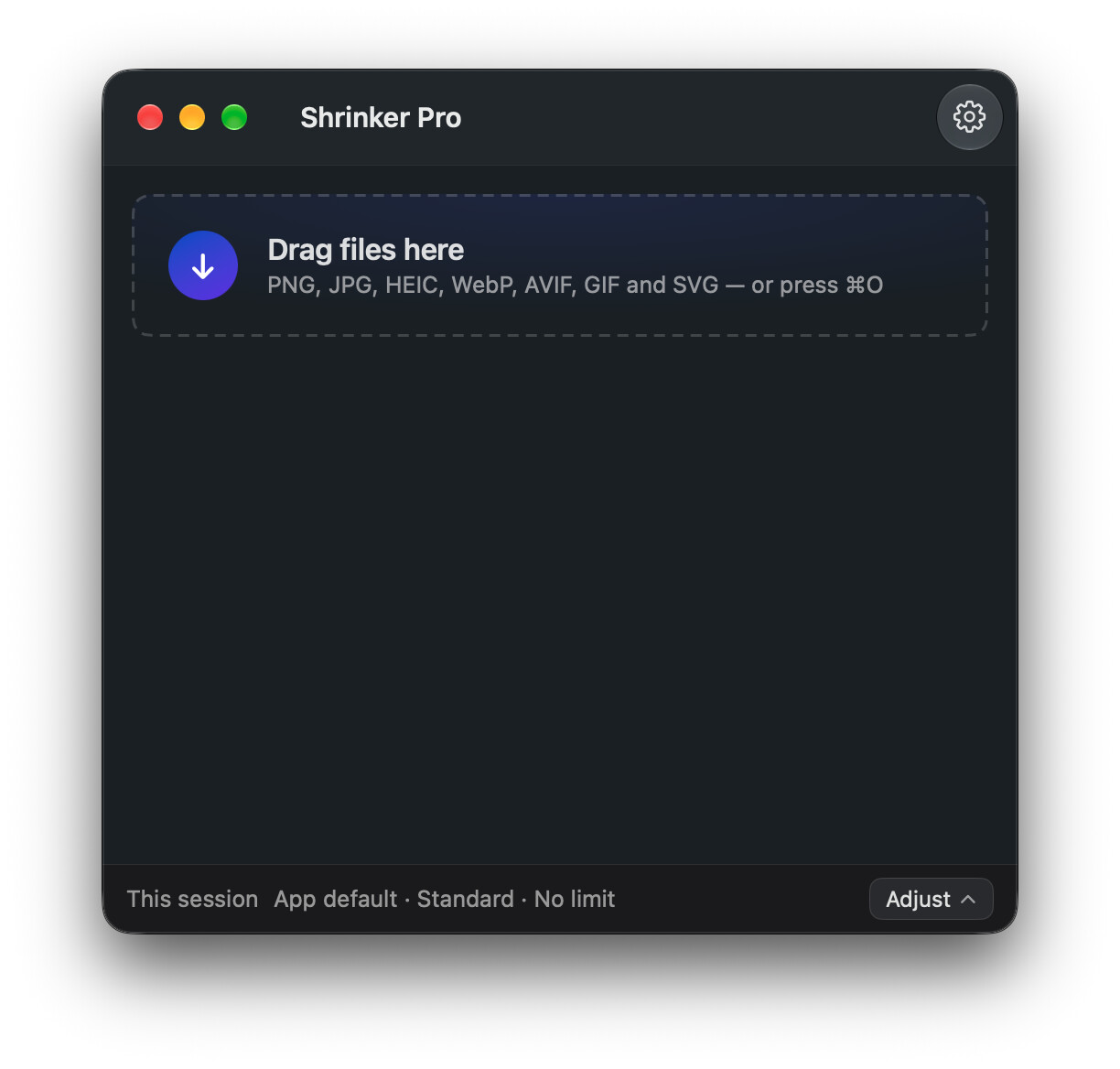
Rather than wait, I rewrote it. Shrinker Pro is a SwiftUI app with the same drag-and-drop workflow and the same underlying compressors (mozjpeg, pngquant, gifsicle, svgo) rebuilt from source as static arm64 binaries. Every Mach-O in the bundle is arm64-only, and a build gate blocks the release if any Intel code, non-system library, or wrong deployment target shows up. The download is 3.4 MB; the thing it replaces shipped a browser engine.
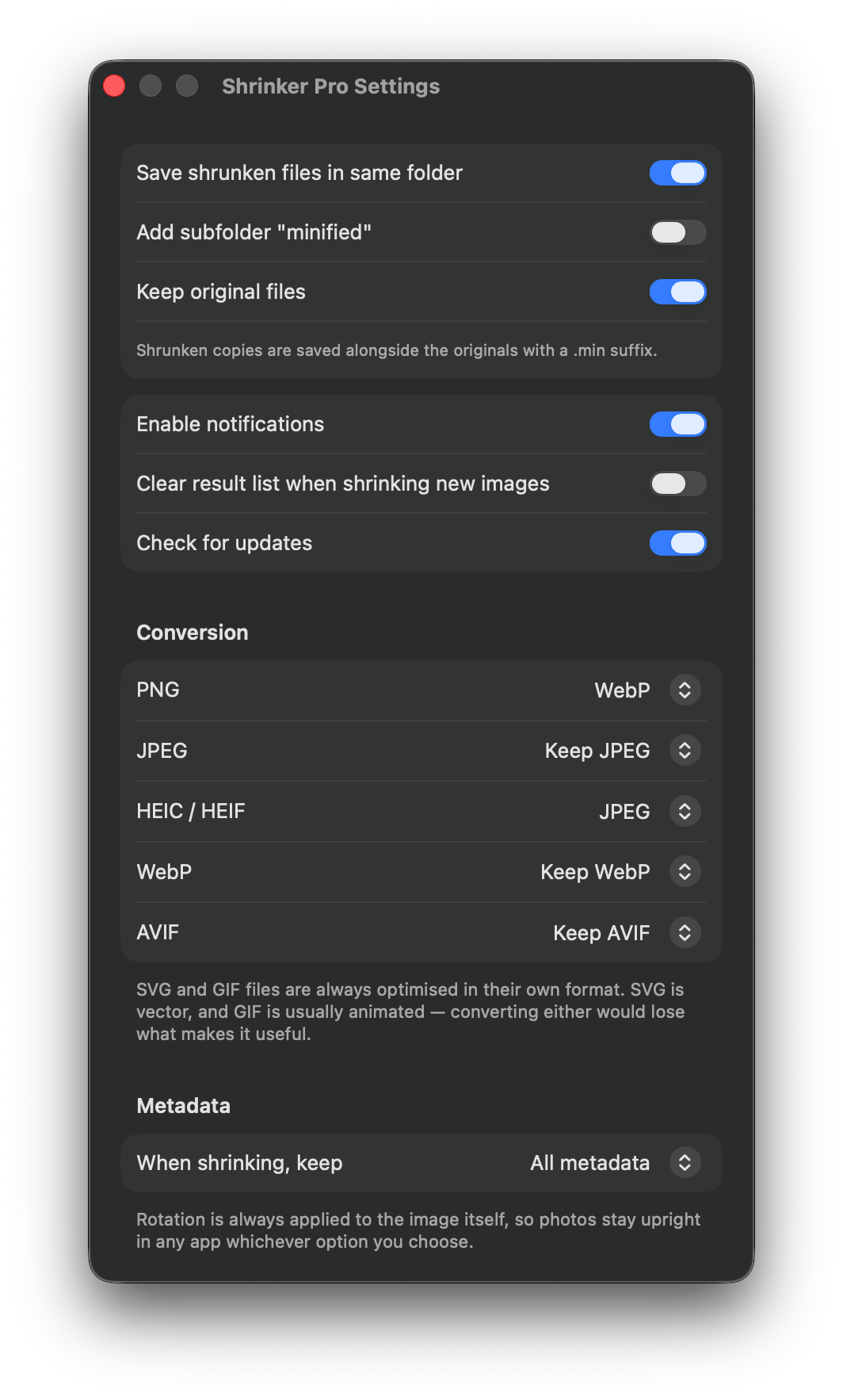
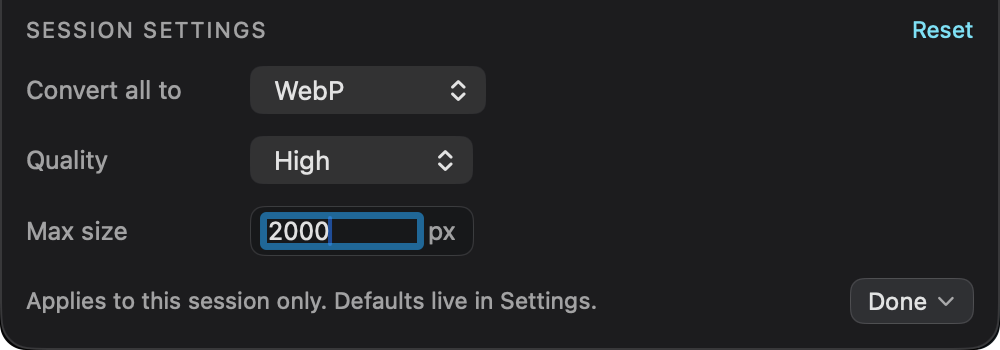
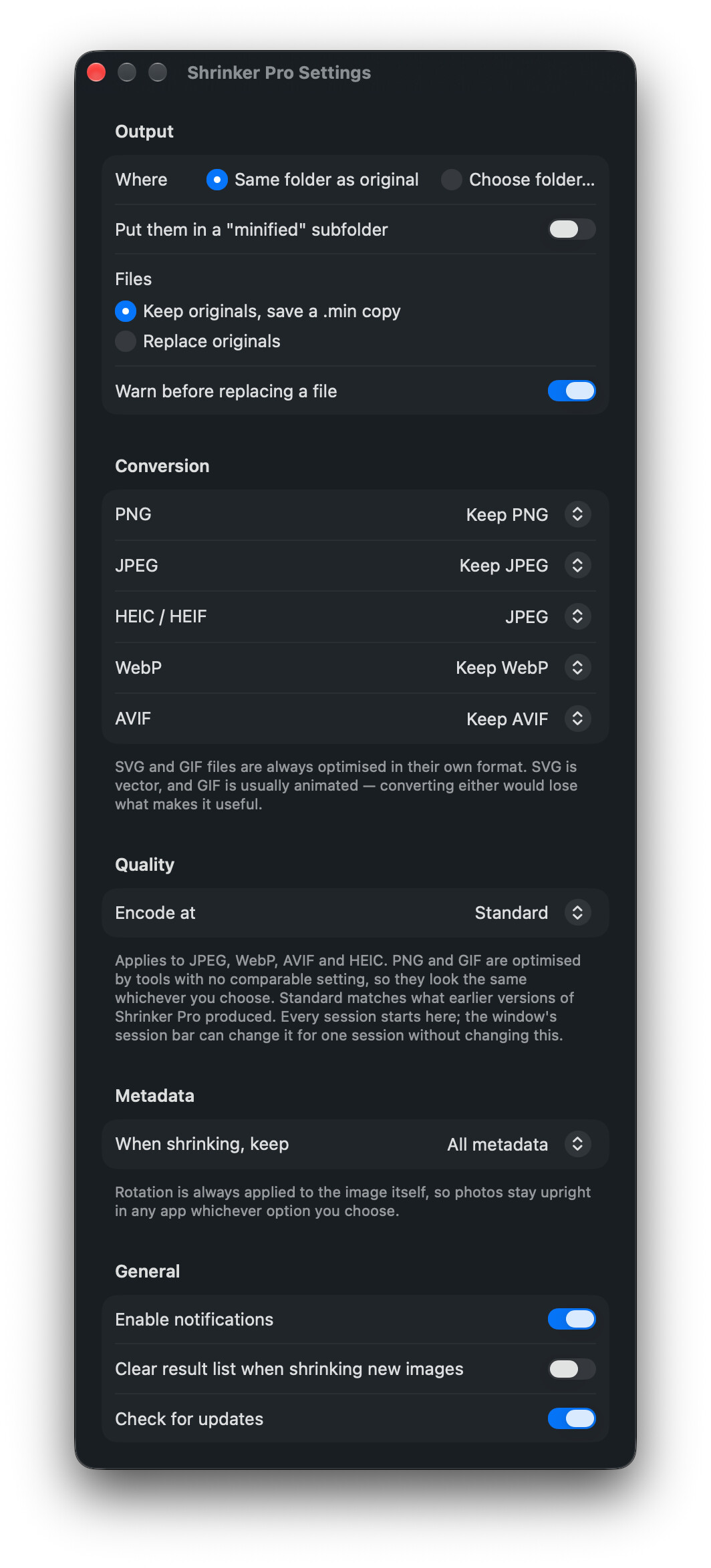
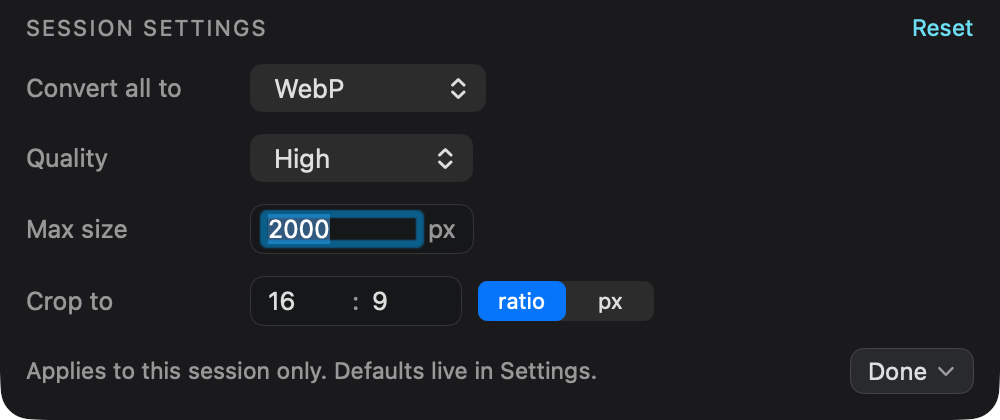
While I was in there I added what I’d always wanted: WebP, AVIF and HEIC, plus per-format conversion rules. You can turn every PNG into WebP while JPEGs stay JPEGs. HEIC converts to JPEG by default, since that’s usually the point. SVG and GIF never convert, because vector and animation are exactly what you’d destroy.
It’s free, MIT licensed, signed with a Developer ID and notarized, so it opens by double-clicking. No subscription, no account, no telemetry. Auto-updates through Sparkle.
macOS 14+, Apple Silicon only. There’s no Intel build and there won’t be. That’s the whole point of the exercise.
- Site: https://shrinkerpro.app
- Source: GitHub - jeso87/ShrinkerPro: Free native macOS image compressor for Apple Silicon. Drag PNG, JPEG, GIF, SVG, WebP, AVIF or HEIC onto the window and get smaller files. A SwiftUI rewrite of Image Shrinker — arm64-only, no Electron. · GitHub
Full credit to Stefan. Image Shrinker is CC0, which requires no attribution, but it’s his idea and his design I’m building on. Happy to answer anything about the arm64 build setup or the conversion routing.