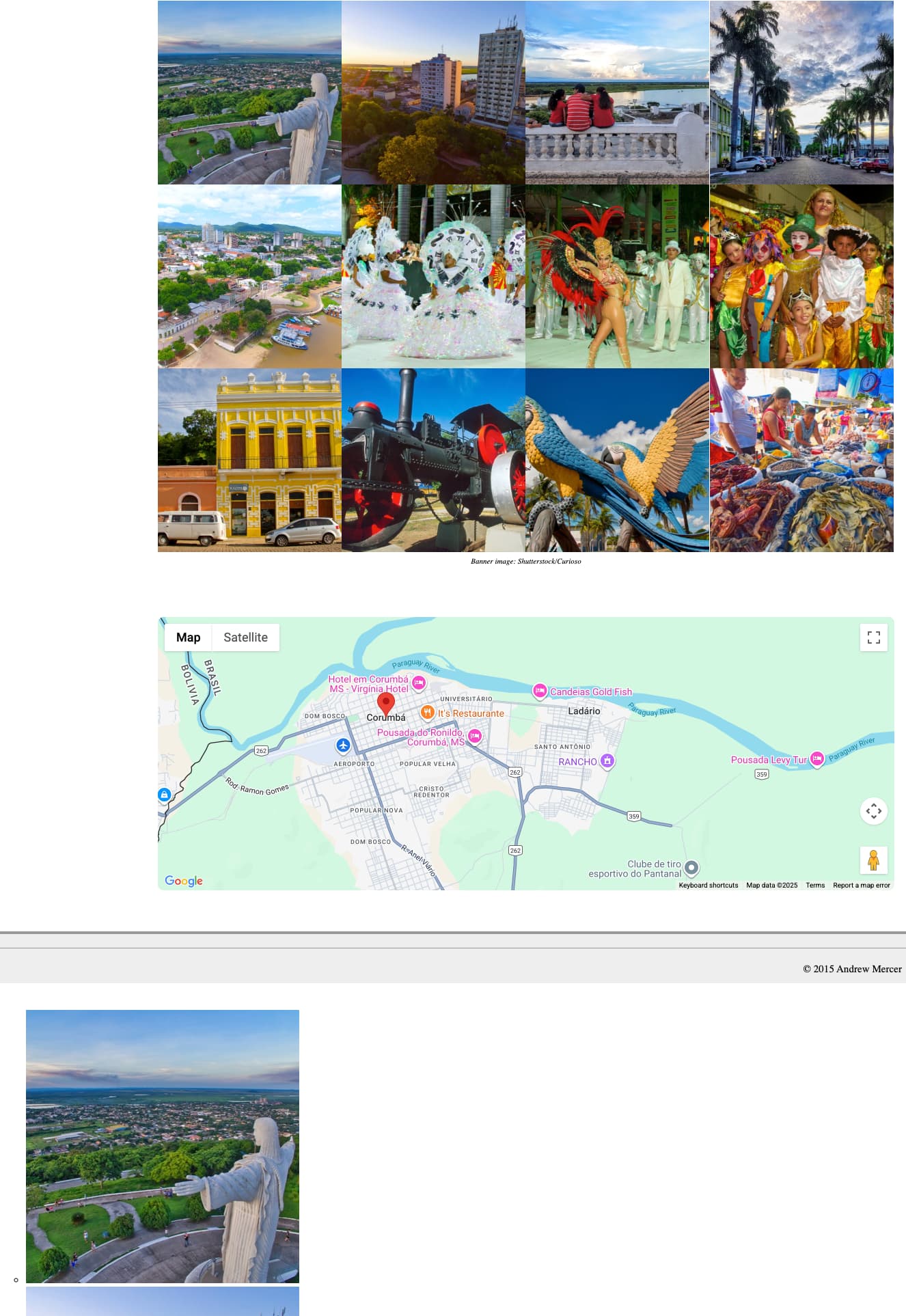
I’m updating a nearly 10 year old site. I bought Gallery3 ages ago to replace some old photo galleries … but now that I’m actually using it, I find that many of the features are no longer working (well, for me at least). I’m just looking to display locally hosted images. With the the addition of the gallery - the page has become a PHP rather than HTML.
When choosing the MASONRY Grid and associated photoboxes, I get something that works in Rapidweaver preview. However, on uploading to my website the features don’t work in Safari, although they’ll sometime work in Chrome.
I’m not sure if the problem is Rapidweaver Classic (seems to be a dead product at this point), my webhost, or just me missing something. It’s probably the latter.
Things work in design or preview mode within Rapidweaver but, once uploaded…
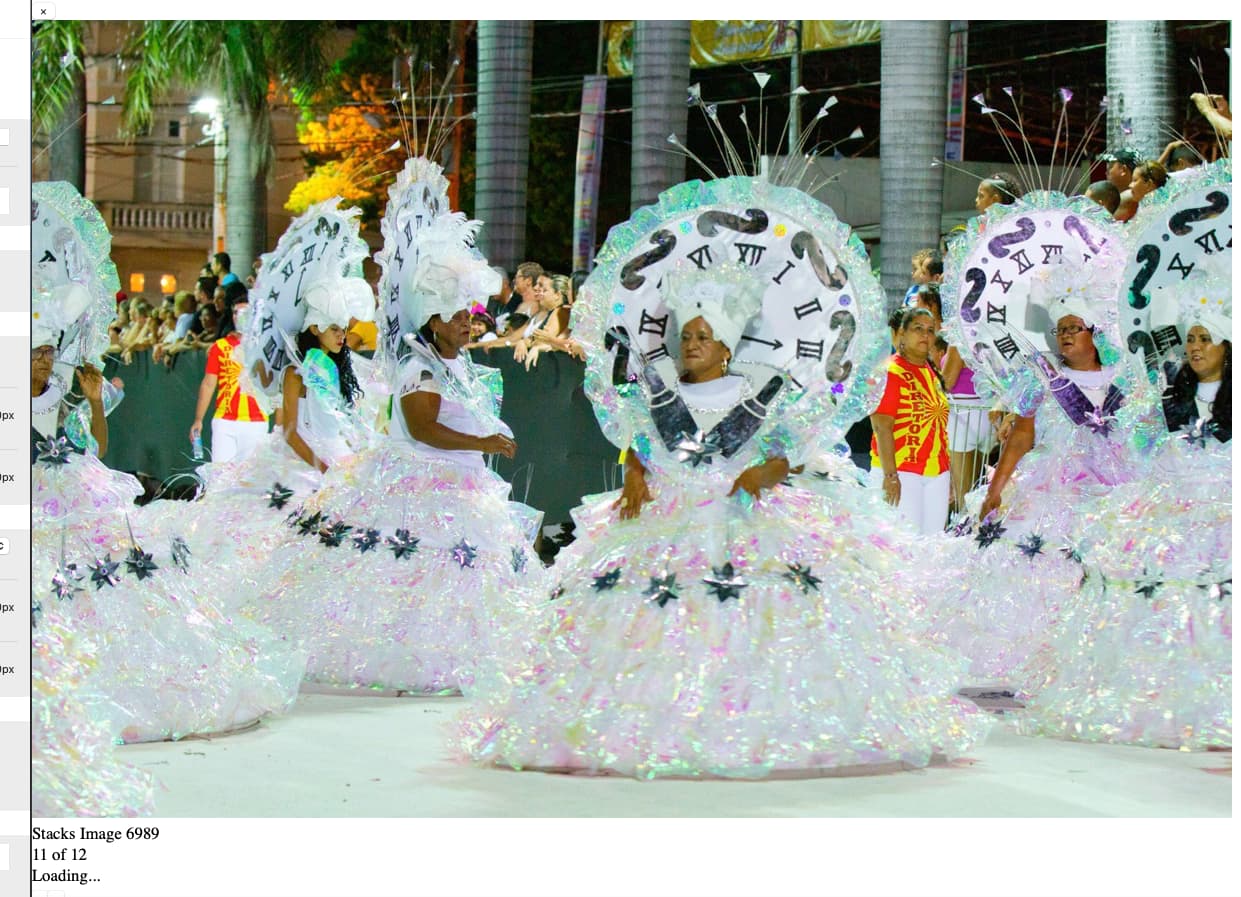
Clicking on an image causes them to display BELOW the webpage
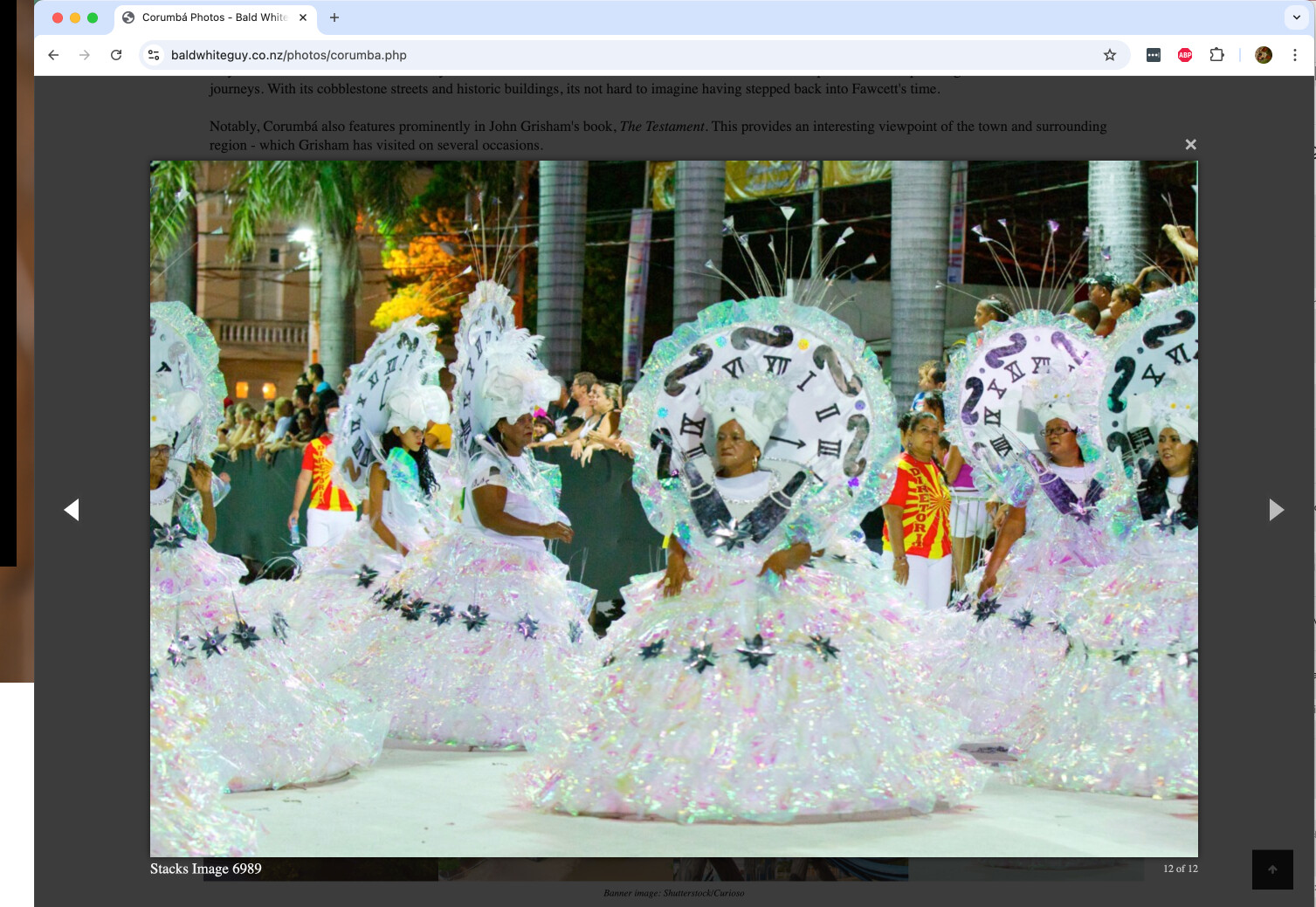
Using the LightGallery option … I somehow managed get the gallery to display in Chrome but it annoyingly always displays the DOWNLOAD button even though I explicitly disabled it. Whereas in Safari the Lightbox didn’t even display.
Whenever making changes, I’ve (1) deleted all old file off the server in case there’s an earlier version of a file/script creating issues, (2) re-publishd all files.
Are there known issues with Gallery3? Or does if have pre-requisites or incompatibilities that I need to factor Into the build? With Rapidweaver and third-party add-ons no longer being supported to the same degree that they were used to, I’m wondering if its better for me just to jump ship to blocs app or something else (not Elements). Any guidance would be appreciated.
Cheers
I got it to the point (setting Lightbox to Magnific Popup) where the Lightbox works in Chrome (other lighbox variations don’t) but…
… the Lightbox doesn’t work in Safari.
It instead shows like this.
I’m guessing that it’s not a web server isssue or necessarily a Rapidweaver issue as its working in Chrome … but that it’s a problem with the gallery or CSS or something is now incompatible with Safari.
Any ideas? I’ve experimented with changing the theme then deleting and re-uploading the entire site - but the problem keeps recurring.
All options are also working in Safari.
Gallery 3 overall also already works in Stacks 6 (as of course in RW8 or RWC with Stacks plugin)
If something doesn’t work for you as expected, I need to have a published live site showing the error.
Thanks Jannis.
The address is Corumbá Photos - Bald White Guy | Andrew Mercer Blog
I’ll need to change the theme once I get the galleries working as something also broken the menus. However, if I can get the gallery working with Gallery 3 then it would be a starting point as the old Flickr-based galleries aren’t reliable.
Much appreciated
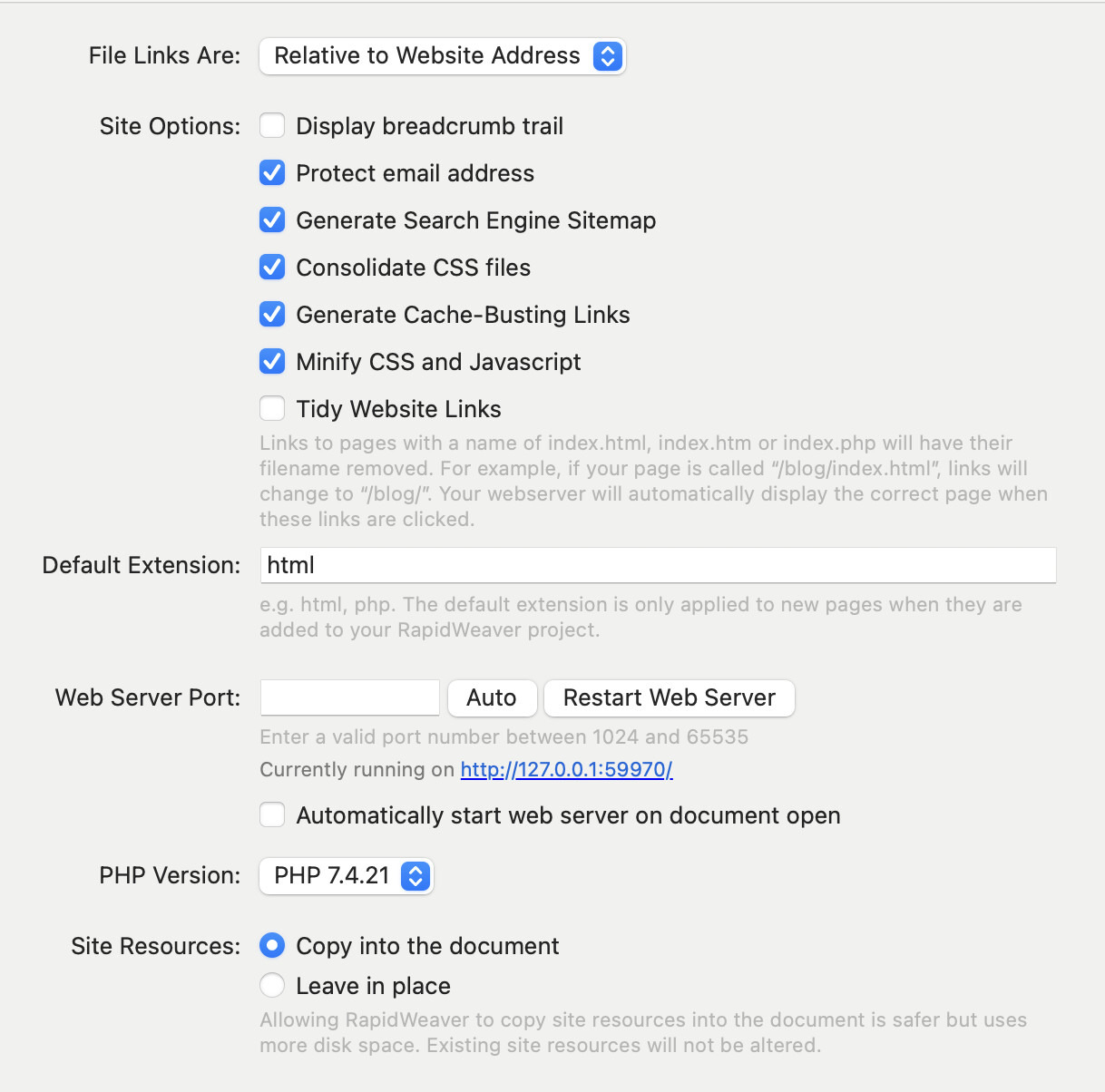
Clicking more if the checkboxes in the Advanced Settings for the site seems to have worked 
This site https://www.baldwhiteguy.co.nz/photos/corumba.php gives me a 404 file not found.
Also I recommend turning of file listing in your web server to not allow showing files to your site visitors: https://www.baldwhiteguy.co.nz/photos/
This site works now for me. Both in Safari macOS / iOS, as also Chrome, the lightbox works as expected.
It uses masonry grid and magnetic popup.
Unrelated:
You have a JS error on the site unrelated to Gallery 3, but to a Joe Workman Fancy Image Gallery, please remove this from the site.
<meta class="stacks 5 stack version" id="com.joeworkman.stacks.fancy-image.gallery" name="Image Gallery (Legacy)" content="2.2.3">
Invalid left-hand side in assignment
stacks.com_joeworkman_stacks_fancy-image_gallery = {};