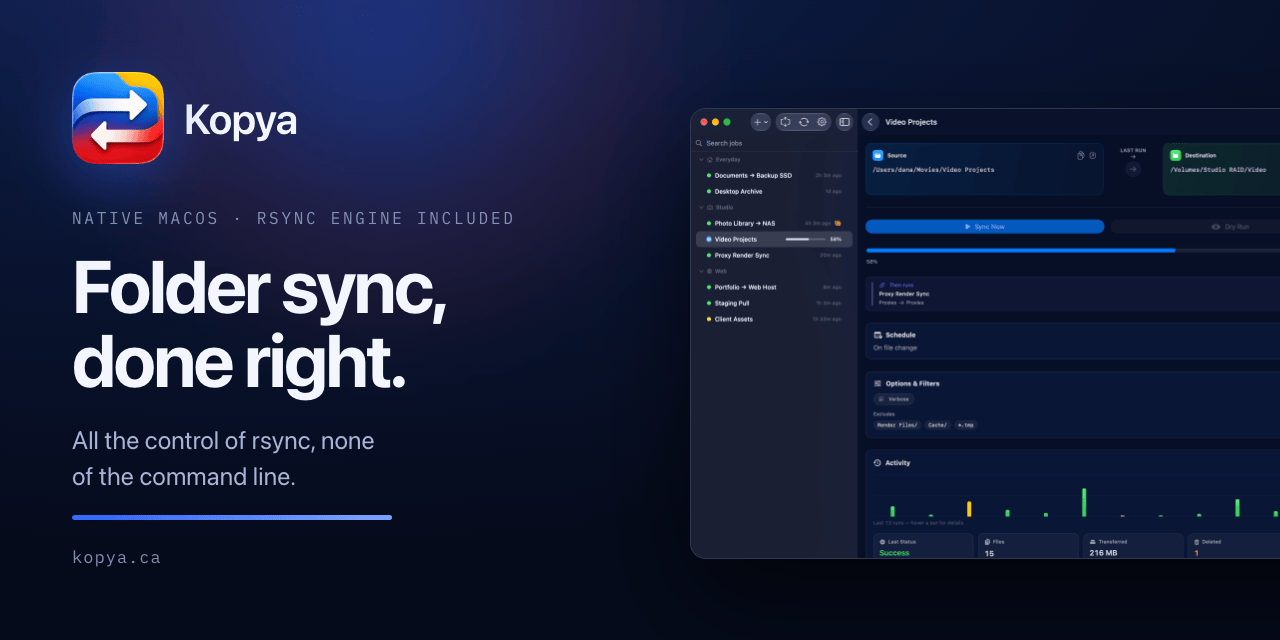
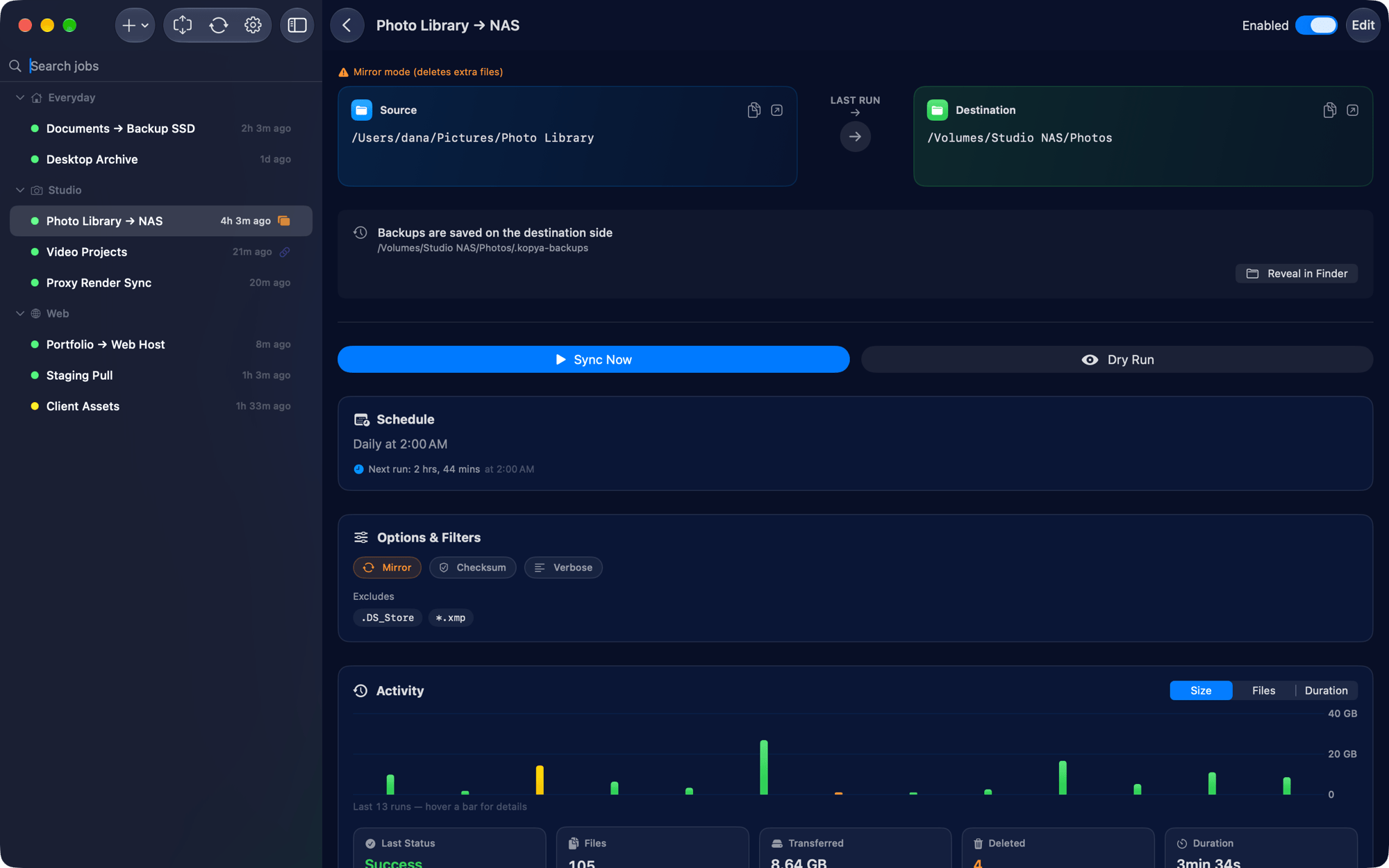
Kopya keeps two folders in sync. Pick a source, a destination and a direction, set a schedule, and it handles the rest. Local folders, an external drive, a network volume, or a server over SSH.
Project files to a NAS every night. A client folder mirrored to an external drive the moment you plug it in. Or, if you run Total CMS, moving tcms-data between the live server and your local ServBay or MAMP site so you can edit content locally and send it back.
Source and destination swap with one click, and a dry run lists every file that would change before anything moves. It bundles its own rsync-compatible engine, so there is nothing to install.
Apple Silicon, macOS 26.5 or later. Everything is unlocked during the beta.
I made it. Tell me what breaks.
Site: https://kopya.ca
6 Likes
you have mentioned source/destination, therefore is it safe to presume one-way sync?
Correct, it’s one-way by design.
A job has a source and a destination, and it makes the destination match the source. What it doesn’t do is merge both sides.
Two things soften that:
Swap. There’s a swap button on the job, so the same pair of folders can run in whichever direction you need. For the Total CMS case that’s pull down, edit locally, swap, send back. Two deliberate one-way runs rather than a merge.
Mirror mode. Optional, and still one-way. It makes the destination an exact copy, which means deleting files the source doesn’t have. It’s off by default, deletions above a threshold you set need confirmation, and you can dry-run it first to see exactly what would go.
I left merge out on purpose. Two-way is where sync tools eat people’s data: something changes on both sides, the tool picks a winner, and you find out later. With a direction you always know which side wins. If you genuinely need merge, I’d point you at something built around it rather than bolt it on here.
yes, sounds right, thanks