Hey all,
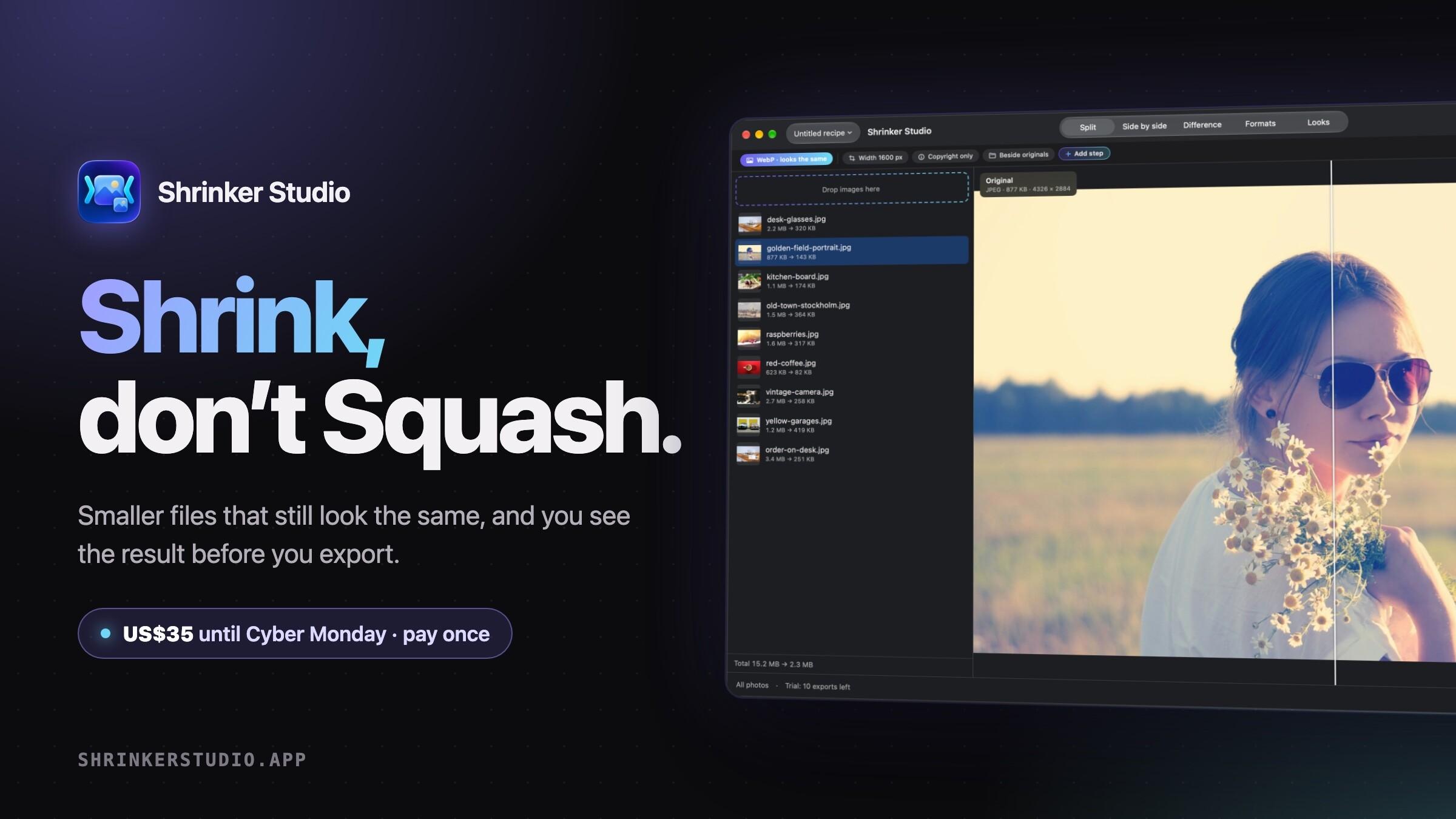
Shrinker Studio is out today.
It’s a paid upgrade inside Shrinker Pro, my free image compressor for Apple Silicon Macs. Shrinker Pro stays free, unlimited and open source. Studio is the workspace I wanted for getting every image on a site as small as it can be without it looking any worse.
What it does
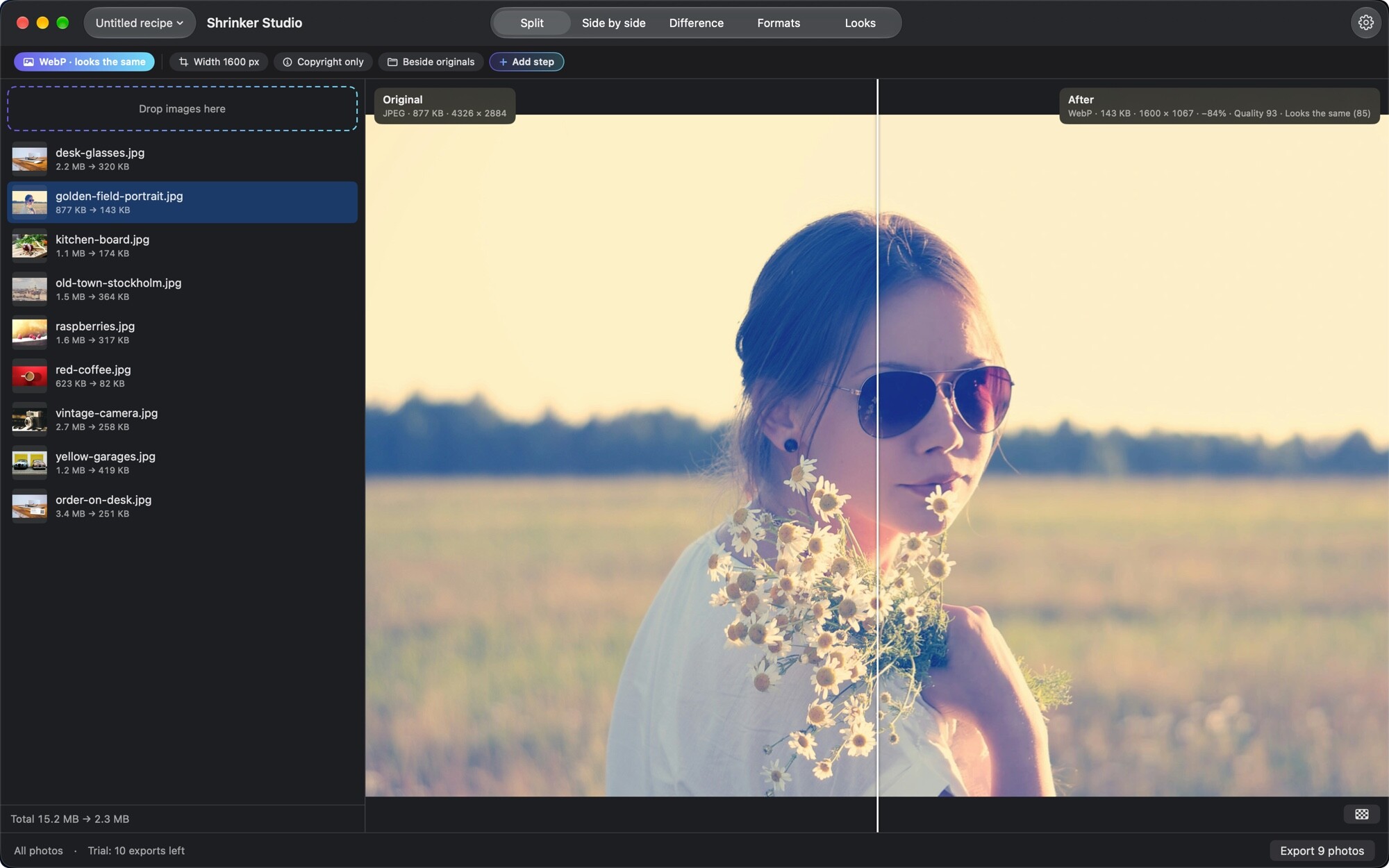
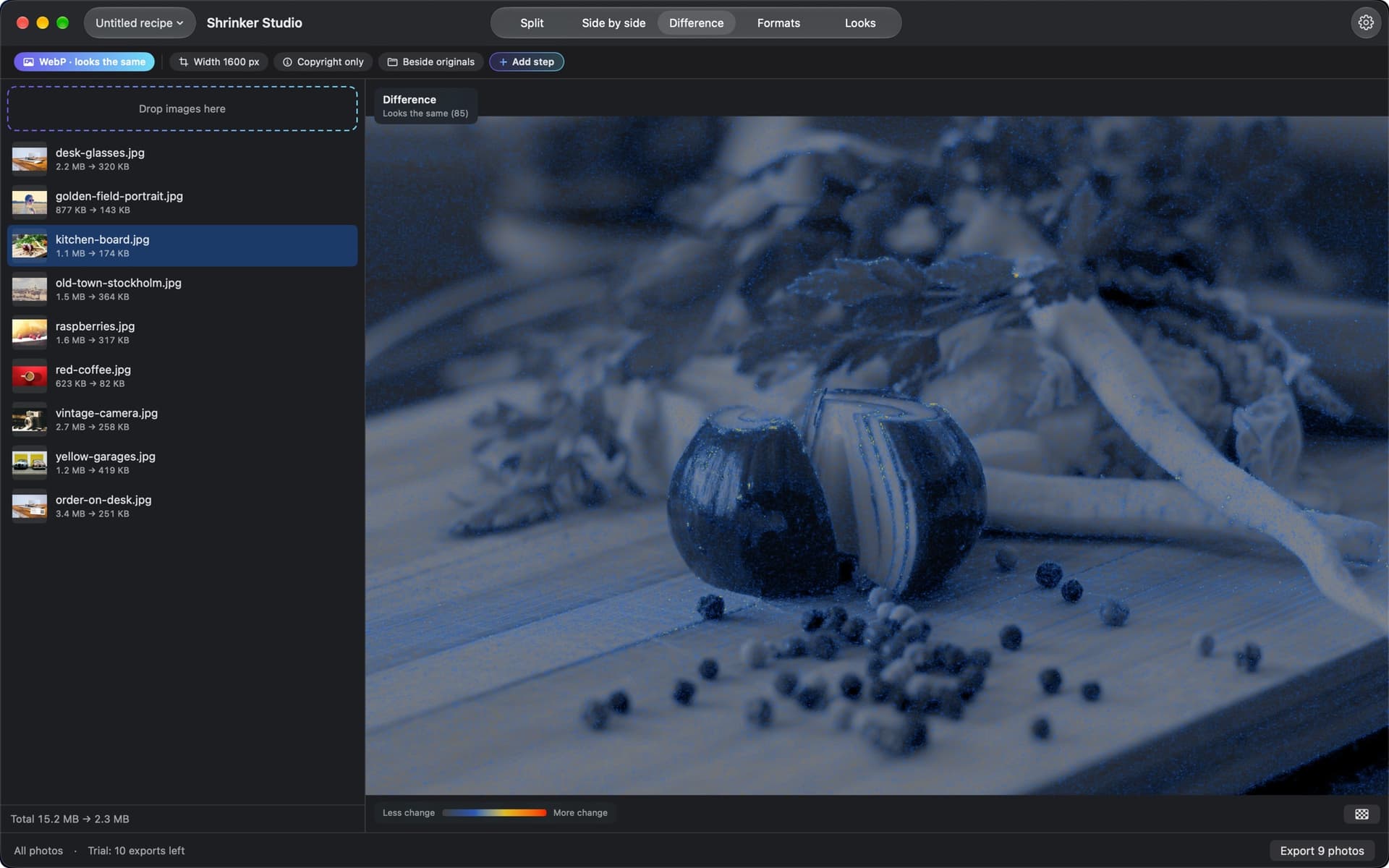
- Compare before you export. Split, side by side, or a Difference heat map of exactly what compression changed. The After pane is the exact file you’ll get.
- Smart quality. Looks the same finds the lowest quality you can’t tell apart from the original. Fit under hits a size in KB.
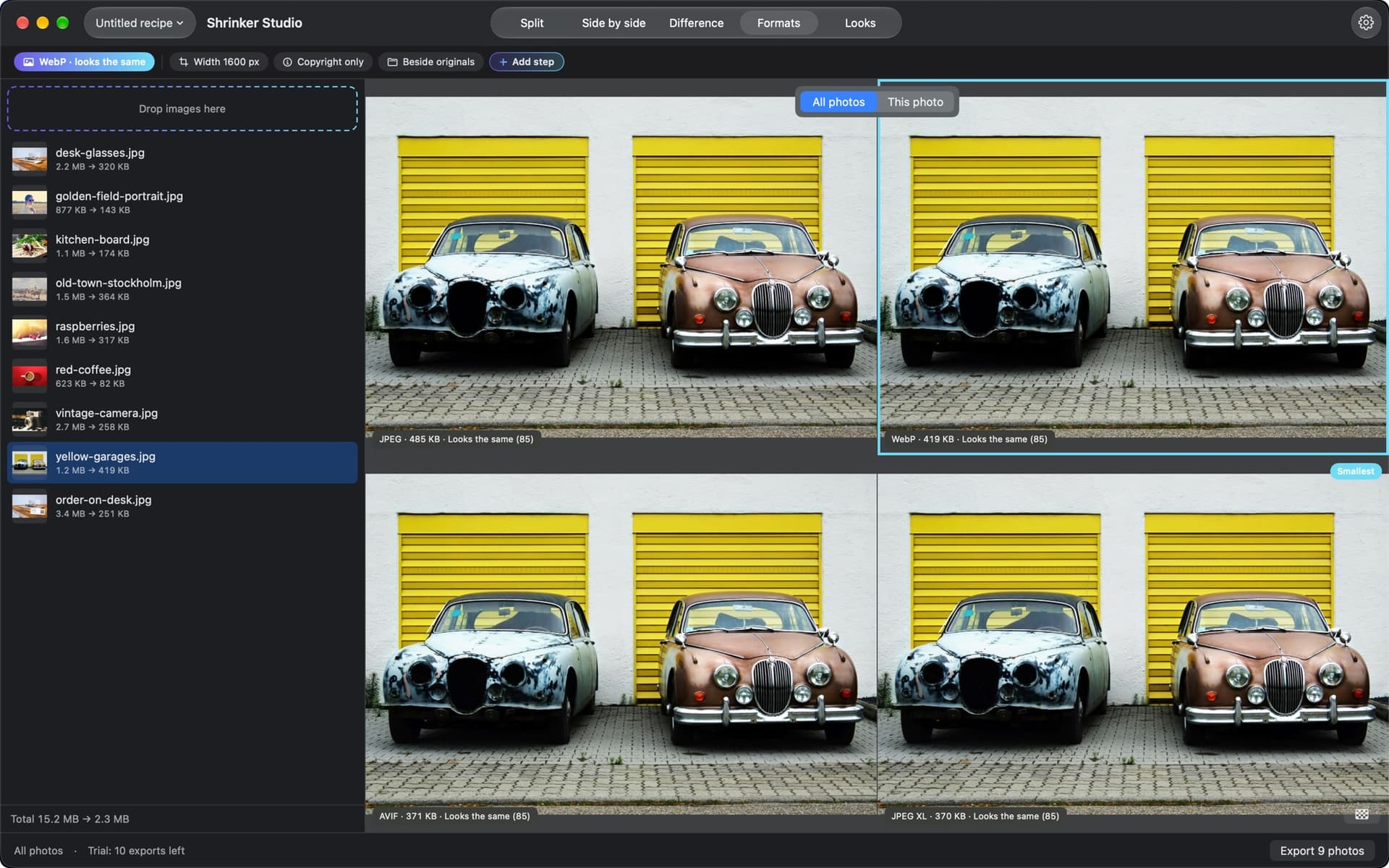
- Every format at once. JPEG, WebP, AVIF and JPEG XL side by side, smallest one marked.
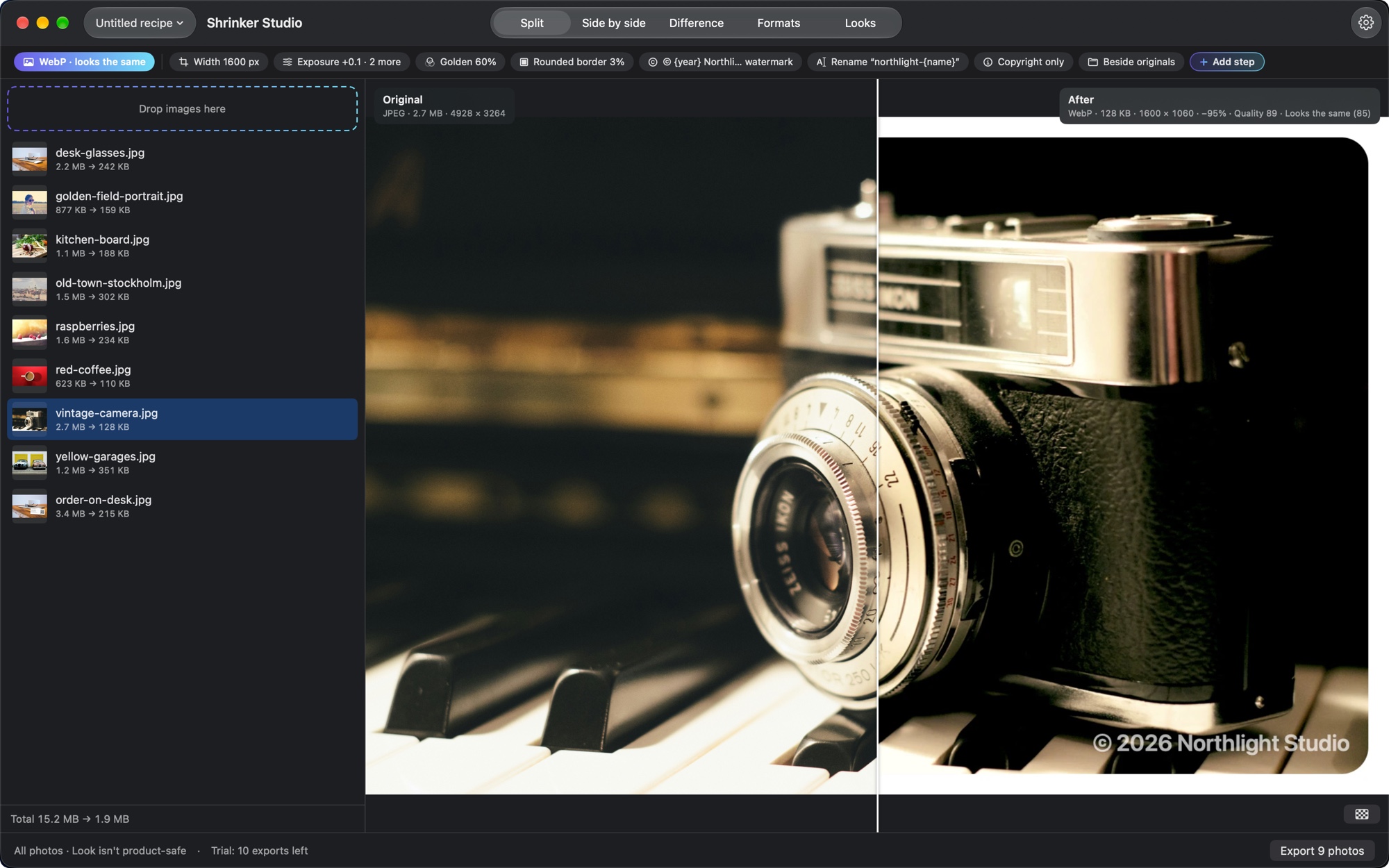
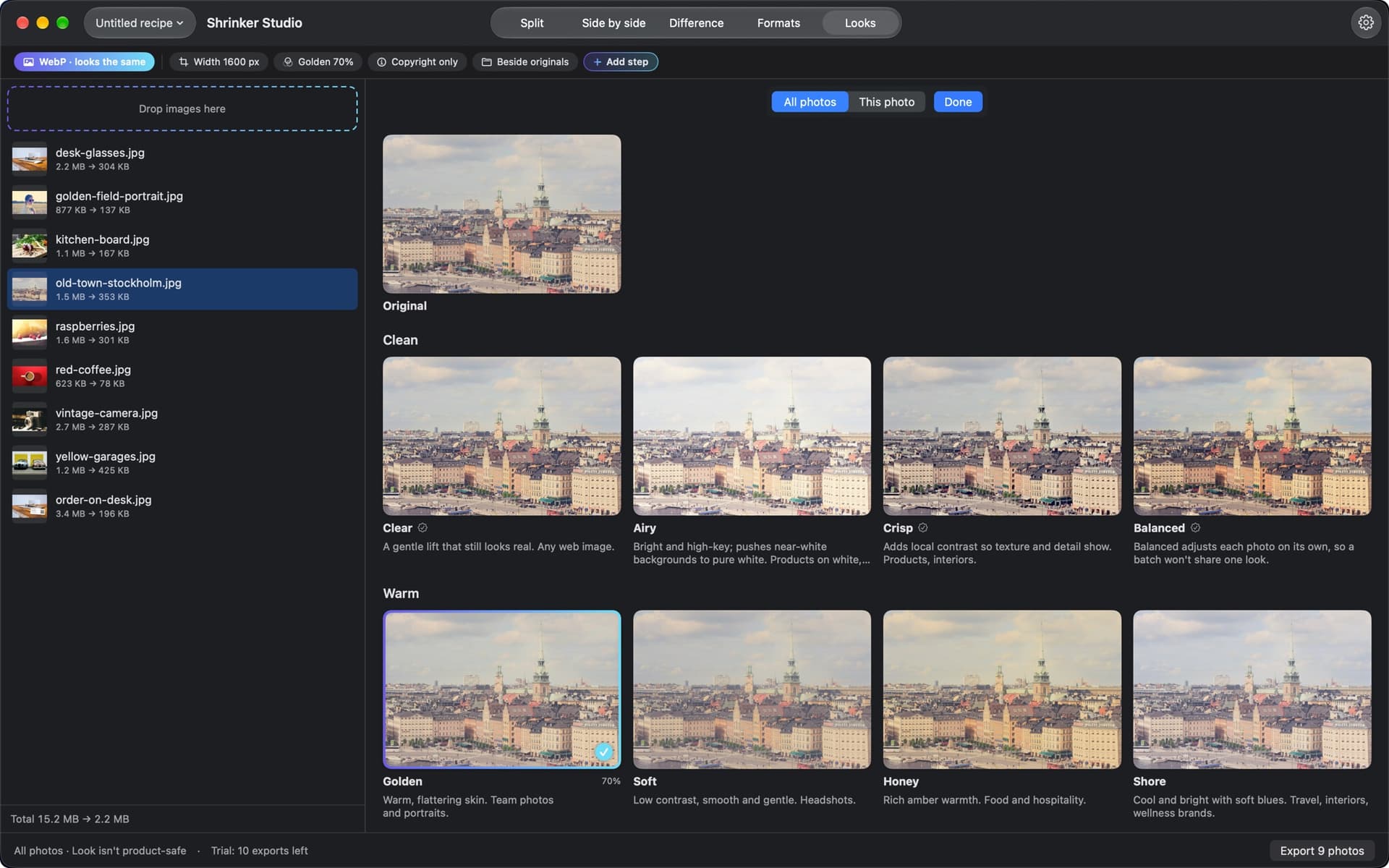
- Recipes. Resize & crop, adjust, looks, borders, watermarks, redaction, renaming and metadata in one saved line of steps, for a whole batch. Override any step on any single photo.
- Responsive sets. Several sizes of each image in one export, plus the
srcsetsnippet to paste into a Stacks HTML stack or your own markup. - 18 built-in looks. No packs to buy.
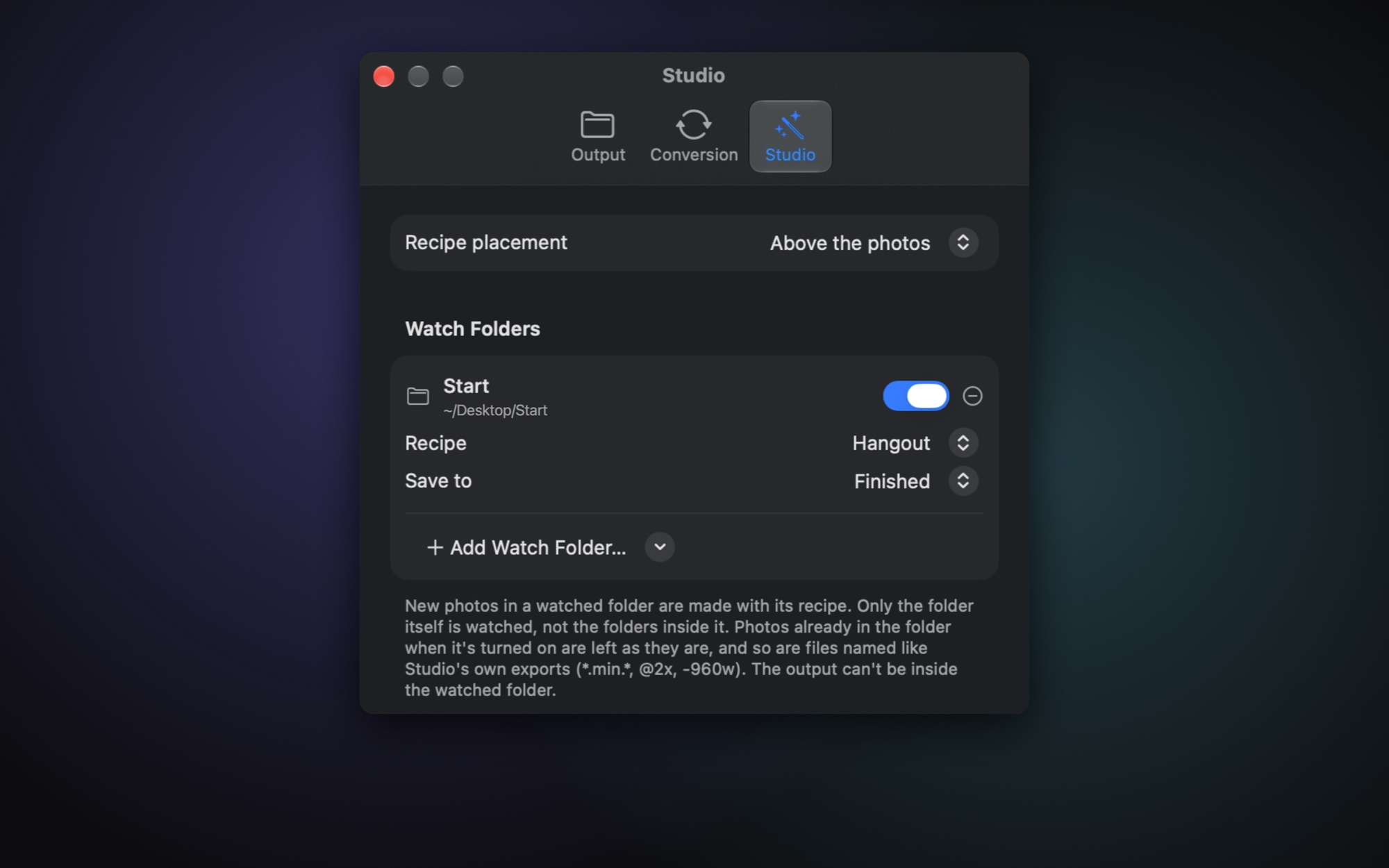
- Watch folders. Drop images in a folder and they come out finished, even with no window open.
Price and trial
- US$35 until Cyber Monday (30 November), then US$49. Paid once, every future update included, on up to 2 Macs.
- Every Studio tool works for your first 10 exports, so you can try it on a real site first.
- Everything stays on your Mac: nothing uploaded, no account, no subscription. 14-day refund, for any reason.
- Apple Silicon, macOS 14 or later.
Buy: Buy Shrinker Studio for Mac: US$49 once, no subscription
Try it first: get Shrinker Pro free at https://shrinkerpro.app and press Studio in the toolbar.
Details: https://shrinkerstudio.app
Questions welcome here. And if you try it on a client site, I’d love to hear how it goes.
Joshua
StacksWeaver