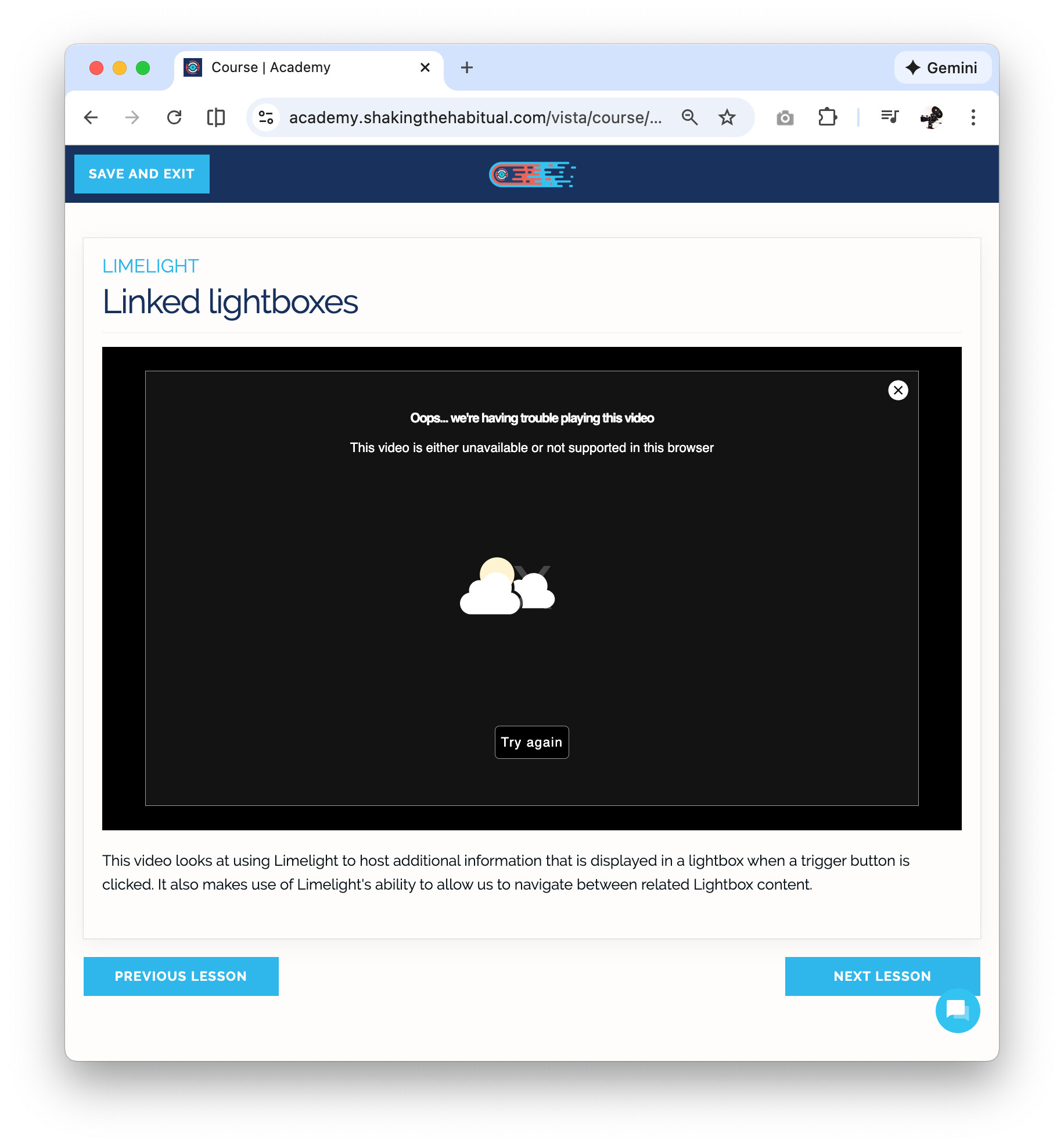
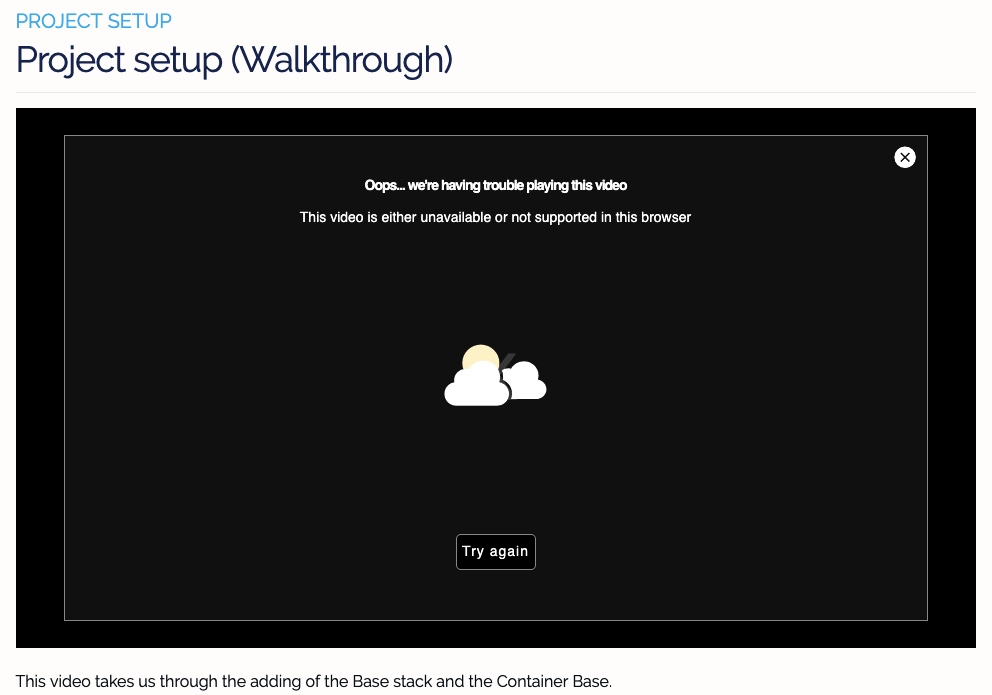
All of the course videos in the Source Academy show a “oops, having trouble” notice.
In case it was a brief issue, I waited a few days and still get the same notice, on all videos in both courses.
The courses are still for sale on the StH site, so I can’t tell if this a temporary video issue or related to Stuart @habitualshaker closing development down?
That’s odd. Is working fine for me.
Can you try with another browser and see if it helps?
I tried it in Safari, Chrome, Firefox, Brave and Opera, each of the 4 browsers on my mac, iPhone and iPad Pro, all with the exact identical “ooops… we’re having trouble…” notice.
just tested again and I can access on all my browsers and on ipad too. have you got some kind of network filter / vpn in use that might be affecting things?
For what it’s worth I never had issues before & something must be blocking the content.
I did checked Safari’s setting, checked dns logs & tired in another browser.
My location is in the USA.
1 Like
Weren’t you also having issues with my referral links, something fishy going on there
My issues with your email was a redirect to http://partnerlinks.io, which was being blocked in DNS, simple to fix, but nothing being blocked from https://academy.shakingthehabitual.com/ in the DNS logs.
I was once able to use this site without issues,
It’s been a long time since I ran through the courses & if this was not posted I might not of looked at all in the future.
1 Like
Thanks for checking @A.B.Cole . The course videos are served via media.shakingthehabitual.com - you don’t have anything affecting traffic from that domain?
Can you access this example video directly?
Yes, I can access the video directly using your link with Safari.
I have an update about the videos, since a busy few days since my post.
I asked a friend on the west coast US (I’m on the east coast) to try it on his computer last night and he wasn’t able to connect to the academy at all. He’s not a RW user, I just gave him my login info to test it.
I don’t use a VPN and don’t have any network filters that would affect the videos.
I just tried it again and it’s finally working fine with no idea why it couldn’t connect for several days. I tried the ‘example video’ link Stuart posted, though I tried it was after the videos were finally playing again (in the academy site).
I wasn’t really solved’, but it works now and that’s the important part.
Thanks to @habitualshaker, Josh @StacksWeaver, @A.B.Cole and @Kent for testing it on your computers.
@A.B.Cole, did you get it working in the academy Site?
2 Likes
Sorry for the delay…
Yes, the site video works & all the image that did not load are all fixed as well.
I have made no changes to my router or DNS.
1 Like