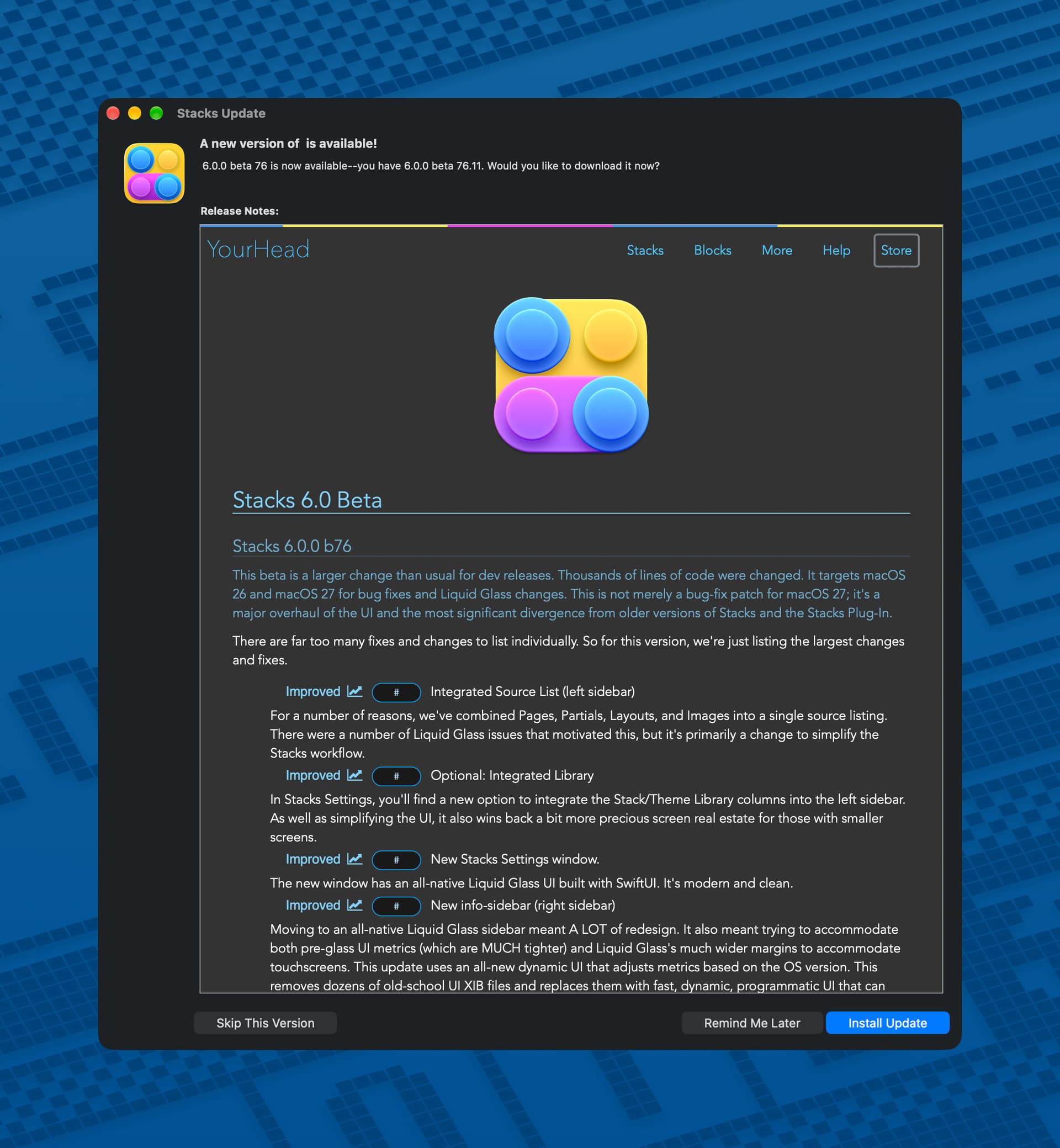
Isaiah just shipped dev-beta 76, and he’s calling it the biggest UI update to Stacks in a long time. It’s also the furthest Stacks has moved from the old plugin days. To get it, turn on dev betas in Settings and check for updates.
Here are the highlights:
- One source list. Pages, Partials, Layouts and Images now share a single left sidebar. Part of the reason was Liquid Glass issues, but mostly it makes the workflow simpler.
- Optional integrated Library. A new setting moves the Stack and Theme Library into the left sidebar too. If you’re on a smaller screen, try this first. You get a good chunk of space back.
- New Settings window. It’s fully native SwiftUI with Liquid Glass. Clean and modern.
- Rebuilt info sidebar. The right sidebar was rewritten as dynamic, programmatic UI that adjusts its spacing for your OS version, so it fits both the tighter pre-Glass look and the roomier Liquid Glass one. This is a huge change and Isaiah expects to keep refining it, so tell him if any part of it feels clunky.
- Experimental high-density mode. Drag the info sidebar to its narrowest width and the horizontal margins shrink to the bare minimum. Widen it and it snaps back to normal. MacBook Air folks, please try this. Isaiah wants to know if it’s useful or “too clever for its own good.”
- For developers. There are new layout options for custom controls in the info sidebar, so you can make some grouped controls wider or narrower (one big button and two small ones, for example). More API details are coming in the next few weeks.
- Global Find. A new tab indexes your whole project so you can search text across pages and settings and jump straight to any match. Some stack types and settings aren’t indexed yet, so file a bug if something’s missing.
- Faster launches and better restore. More launch work now happens in the background, and your tabs, selections, stacks and themes come back the way you left them. Some of the speedup only shows up from the second launch on, because of caching.
- Hundreds of stability fixes since beta 73, mostly found by much better integration testing.
My take: if you’ve been holding off on Stacks 6 betas, this is a good one to try. The single source list and the integrated Library make a real difference on a laptop.
Have you tried it yet? Post your thoughts below, especially on the high-density sidebar.
