I wanted to repost @isaiah’s update that he posted on his Discord server this week about the current status of Stacks 6 development.
Hey folks,
I threw together a quick update to show you a few things we’re working on this month.
What’s New: TL;DR:
All Done: Partials
The big partials demolition and rebuild is done. Please excuse our mess; there’s still some rubble and debris to clean up.
Ongoing Work: UI Fixing
During the construction we broke a few bits of UI. That’s the “rubble” that needs cleaning up. Drag reordering of pages, a few keybindings, and some edit-mode layout glitches are what we’re doing this week.
Next Steps: Image storage and export
Some image-related improvements came for free with the partials changes, but there’s still more work to be done.
What’s new: Details
A Partial Rewrite
Partials really stretched what was possible in Stacks 5 as a plug-in. But to make partials work, we had to couple the feature very tightly to the RW API, bend some macOS UI conventions, and make some painful performance tradeoffs.
The easiest path would have been to port partials into the Stacks app more or less as-is. That’s how I’ve handled a most Stacks features. But a direct port of Partials would have meant carrying those old limitations forward and accepting many tradeoffs as permanent.
But rewriting everything would have taken much too long. So instead we’ve done a partial rewrite (pun definitely intended) – we’re focused on removing the barriers keeping partials painted into a corner.
Here are a few of the bigger challenges and how we’re tackling them.
UI and macOS Guidelines
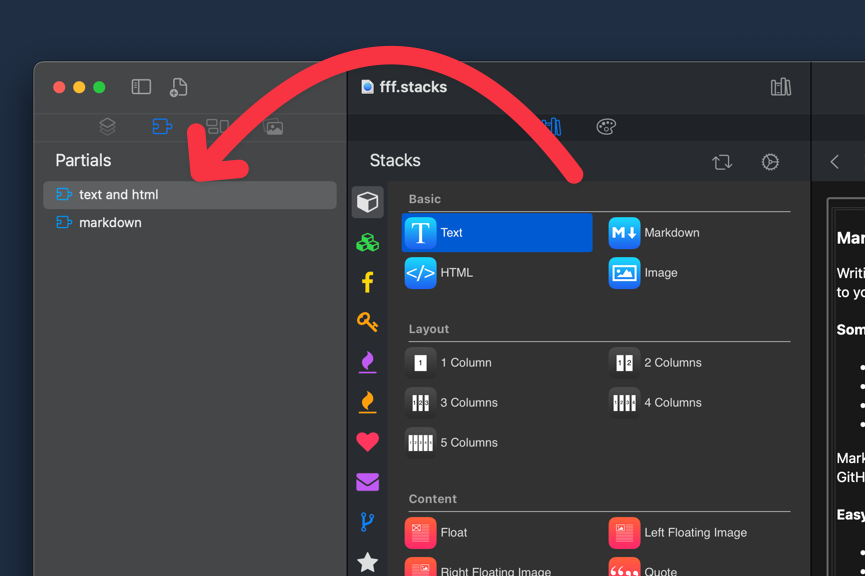
In the Stacks 5 plug-in, partials live in the Stacks Library. They never really belonged there. Partials are dynamic project content. On macOS the left sidebar is reserved for displaying the project/document content – that’s where partials belong.
As a plug-in, using the left-sidebar wasn’t feasible – so we used what we had: The Stacks Library. Making the library installed add-ons as well as dynamic content in your project file created some interesting issues.
In the Stacks app, partials are now first-class project citizens and have their own tab in the left sidebar. This fits in much better with the macOS HIG and eliminates a ton of complex Stacks Library code.
Simpler Publishing
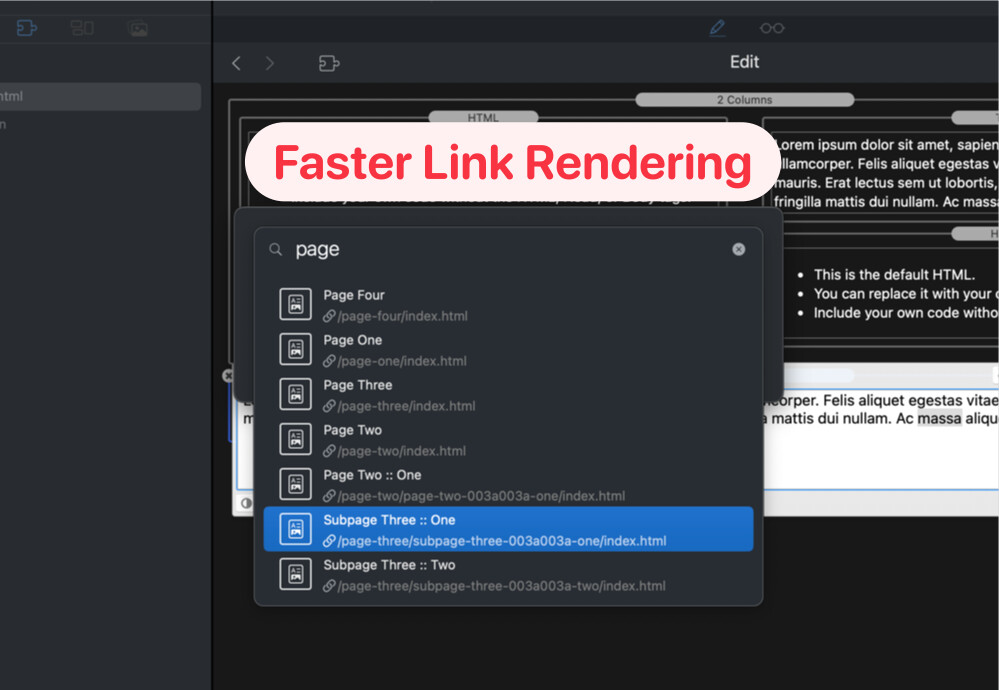
When publishing partials we’d like to render them to HTML once whenever we can. In RW links to pages, images, and assets within the site needed to pass through RW’s link generation to create a project-relative link. Slowing down the HTML rendering process and severely limiting caching.
In the Stacks app, internal links are simple, predictable, and absolute – so they’re the same on every page. We can render them once and reuse them for every partial instance. It’s faster, simpler, and more efficient.
No Wasted Space
In the Stacks plug-in RW loads each page into memory only when needed. This is very efficient on memory, but it places a large burden on features like partials that need to keep all instances in sync across many pages. To ensure things stay in sync in all the strange possible corner-cases, we had to duplicate some partial data into multiple places of the RW project file. That extra data slows things down and makes your project files needlessly large.
In the Stacks app, we load a manifest of each page, page, and asset. We still get the benefits of loading the page data only as needed, but the page manifests show us exactly which partials and assets are used on every page. This way we can easily load the assets needed when we load each page, and can keep partials in sync without needing any redundant storage.